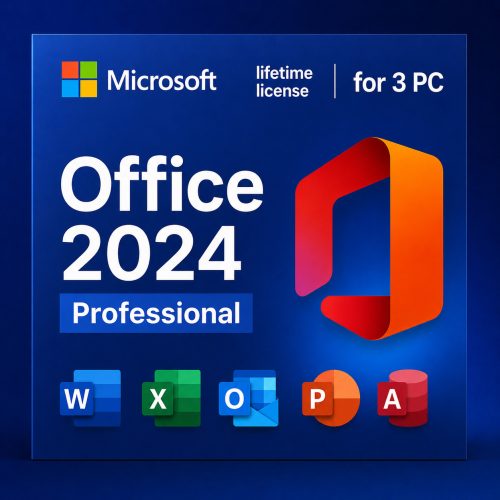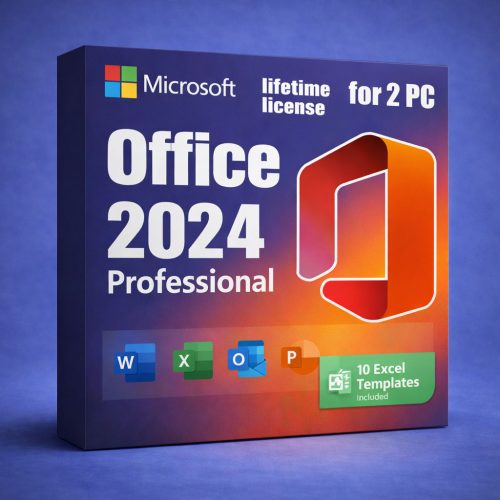
Office 2024 Professional — Lifetime License Key (Windows)
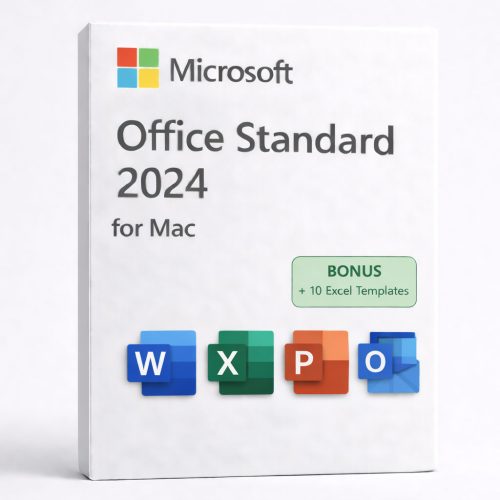
Looking for Office 2024 for macOS? Get the Mac version here: Office 2024 for Mac.
Check Before You Buy
- Previous Office: All older versions and trials (including Microsoft 365) must be uninstalled to avoid conflicts.
- OS Compatibility: Ensure you are running Windows 10 or 11 (Not for Chromebook/Mac).
- Internet: Required only for initial download and activation.
By purchasing Office 2024 through DigitalKeysBox, you get a legitimate product key, an installation guarantee, and a step-by-step guide to download, install, and activate. Our support team is ready to help at any stage.
- Pay once, use forever: Lifetime activation license key for 1 PC.
- Windows 10 / Windows 11 (not for Chromebook).
- Instant delivery of download info and key after successful payment.
- Download from the official Microsoft website (ensures authenticity).
- One-time purchase — not a subscription.
Who Is This Office 2024 For?
- Home users wanting Office without monthly fees.
- Students needing Word/Excel/PowerPoint for study.
- Small businesses for documents, invoices, and reporting.
- Offline-first users who prefer local apps after activation.
- Users upgrading from older Office versions (2016/2019/2021).
What This Is NOT
- Not Microsoft 365: No subscriptions or recurring billing.
- Not a trial: This license does not expire.
- Not cloud-only: Office works locally after activation.
- Not for Chromebook.
- Not macOS: Use the Mac version link above.
If prompted to sign in to a Microsoft account, you can choose Skip and use Office offline.
How It Works
1) Purchase
Choose Office 2024 and complete checkout.
2) Instant Delivery
Receive your key and instructions by email immediately.
3) Install
Download and install from the official Microsoft link.
4) Activate
Enter your key to activate and use forever.
Installation Guarantee: We guarantee successful activation. If old licenses cause conflicts, our support team will help you remove them.
What’s Included

Word 2024
Create professional documents faster with a modern interface.
- Advanced editing & layout tools.
- Track Changes & threaded comments.
- Reliable PDF export.

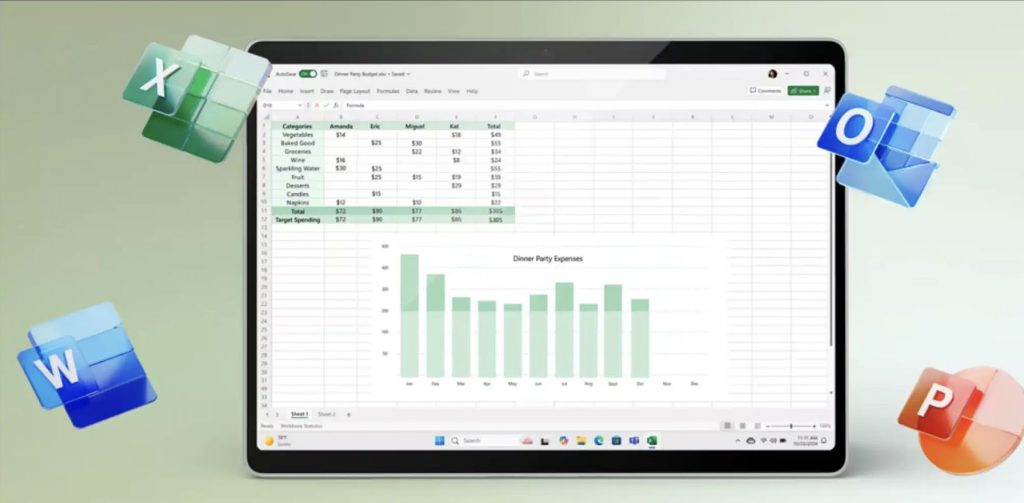
Excel 2024
Powerful data analysis with refreshed functions.
- TEXTSPLIT, VSTACK, REGEX functions.
- Dynamic arrays & smarter charts.
- Full dark mode support.

PowerPoint 2024
Polished presentations with improved animations and transitions.
- Dynamic content & transitions.
- Advanced animation tools.
- Revisions and comments tracking.

Outlook 2024
Manage email and calendar with improved search.
- Automatic online meeting links.
- Enhanced search visibility.
- Better inbox organization.
OneNote & Access 2024
- OneNote 2024: Keep all notes in one place with notebooks and sections.
- Access 2024: Build and manage relational databases (Windows PC Only).
Bonus Add-On: McAfee AntiVirus (PC • 1 Device)
Important: Unlike Office 2024 (lifetime), McAfee AntiVirus is a subscription.
The subscription term depends on the exact SKU you purchased (most “PC 1 Device” retail products are 1-year).
Activation is completed on McAfee’s official website: mcafee.com/activate.
What You Get
- Real-time antivirus protection against malware, viruses, spyware, and ransomware.
- Safe browsing / anti-phishing warnings to help avoid risky links and malicious sites.
- Firewall / network protection to help block unauthorized access.
- Automatic security updates (internet connection required).
Feature availability can vary by version/region and McAfee plan name. (AntiVirus is a “device security” product; VPN/identity tools are typically part of higher-tier plans.)
Compatibility & Requirements
- Device limit: 1 PC (1 device).
- Windows: Windows 11 or Windows 10 (RS5) and newer on x64; ARM64 supported on Windows 11 (newer McAfee builds).
- Minimum hardware: 2 GB RAM, ~1.3 GB free disk space, 1 GHz processor.
- Browsers: Chrome / Firefox / Edge (Chromium-based).
- Internet connection required for activation and updates.
See official McAfee system requirements for the latest details.
How to Activate (Official Method)
- Go to mcafee.com/activate.
- Enter your 25-digit product key / activation code.
- Follow the on-screen steps to download and install McAfee on your PC.
- Sign in or create a McAfee account (required to manage the subscription on that device).
Activation steps are provided by McAfee directly.
Subscription Notes (Transparency)
- Auto-renewal: Most McAfee subscriptions renew automatically unless you turn it off in your McAfee account settings.
- Cancel anytime: You can manage renewal settings from your McAfee account after activation.
- Refund window: McAfee states refunds are available upon request within 30 days of initial purchase or 60 days of auto-renewal (policy details depend on region/product).
DigitalKeysBox: Frequently Asked Questions
Pricing & Authenticity
Is the price final? Are there any hidden fees or taxes?
The price shown at checkout is final and includes all applicable taxes. There are no surprise charges after your purchase.
How can you offer Microsoft software at such low prices?
As an authorized Microsoft partner and reseller, we purchase licenses in high volumes (over 800 units per week). This allows us to secure preferred terms and discounted rates, which we pass directly onto you.
Is this software genuine and permanent?
Yes. All our products are sourced directly from certified partners, and our activation keys are 100% genuine. These are lifetime licenses that activate through official Microsoft servers and never expire.
Are these keys region-locked?
No. We provide worldwide service, and our digital activation keys work globally without regional restrictions.
Office 2024: Features & Compatibility
What is the difference between Office 2024 and Office 2021?
Office 2024 features a new Fluent Design interface optimized for Windows 11, enhanced Excel functions for data analysis, and improved performance in Outlook. It is the most up-to-date one-time purchase version available.
Does Office 2024 work on Windows 10?
Yes. Office 2024 is fully compatible with both Windows 10 and Windows 11.
Does this work on Mac?
Yes. We offer dedicated versions specifically for Mac, such as Office Standard 2024 for Mac. Please ensure you select the “For Mac” version before checkout.
Why is Microsoft Publisher not included in the list?
Microsoft has officially ended support for Publisher, so it is no longer part of the Office 2024 suite. The package includes core apps: Word, Excel, PowerPoint, Outlook, OneNote, and Access (for Professional versions).
Does it include the Copilot AI assistant?
No. Copilot is an AI feature tied to the Microsoft 365 cloud subscription. Office 2024 is a standalone version designed for users who want no subscriptions and full offline functionality.
Licensing & Activation
Is this a Microsoft 365 subscription?
No. This is a standalone, one-time purchase lifetime license. You own the software forever with no recurring monthly or yearly fees.
Do I need a Microsoft account for activation?
No. A Microsoft account is not mandatory to activate or use Office 2024. You can skip the sign-in prompt and use the software independently.
Is an internet connection required to use the software?
Internet is only needed for the initial download and activation. Once activated, all applications work 100% offline.
Can I reinstall the software later?
Yes. You can reinstall and reactivate your software on the same device at any time, such as after a system format or Windows reinstallation.
Delivery, Payments & Support
How does digital delivery work?
We offer instant digital delivery. You will receive your activation key and official download instructions via email within minutes of your payment being processed.
What payment methods do you accept?
We accept PayPal, all major Credit Cards.
What is your refund policy?
We provide a 30-day money-back guarantee. If you are not completely satisfied or our support team cannot resolve an activation issue, we will assist you with a refund.
Can I contact support if I have questions?
Yes — our expert support team is your primary point of contact. We pride ourselves on providing excellent customer service and are available to assist you directly with any installation or activation concerns.
Ready to own Office — without subscriptions?
Get Office 2024 Professional for Windows with a lifetime license and our installation guarantee.
Money-back guarantee • Real human support • Secure checkout