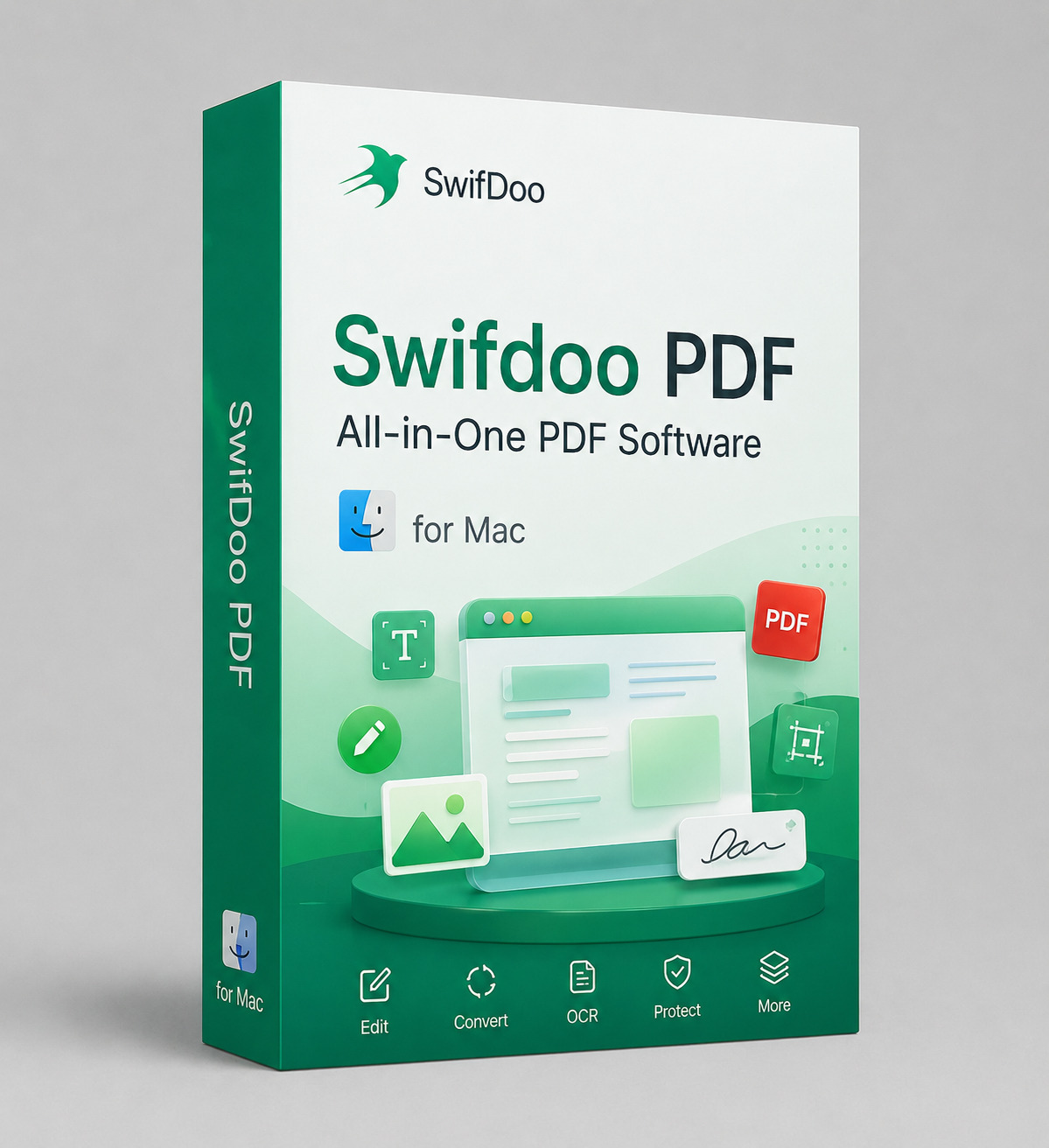
Clean PDF Editor for Mac – Lifetime License (1 Mac)
One-time purchase, yours for life. No subscription, no auto-renewal, no Adobe account.
Clean PDF Editor for Mac is a native PDF editor built for macOS. Edit text and images, reorganize pages, annotate, protect with a password and print, all from a clean interface designed around the way Mac users work. One payment, one Mac, activated for life.
Check Before You Buy
- One-time purchase: lifetime license for 1 Mac, not a subscription.
- macOS only. This license does not activate on Windows.
- Requires macOS 10.15 Catalina or later. Works on both Intel and Apple Silicon (M1, M2, M3, M4).
- Genuine license key, delivered instantly by email after payment.
- This is a PDF editor, not a PDF converter suite. See the feature list below for exactly what is included.
Who Is This For?
- Mac users who pay Adobe every month just to fix a typo, drop in a signature image or reorder pages.
- Home and small office users handling contracts, invoices, scans and forms on a daily basis.
- Students and freelancers who need a permanent tool and not another recurring charge.
- Anyone on a new Mac who wants full PDF editing without signing into a cloud account.
Not the right fit if you need heavy OCR of scanned archives, legally binding e-signature workflows or batch conversion of hundreds of files into Word. Those are specialist jobs and this tool is not built for them.
Key Features
- Edit text your way: change wording directly inside the PDF, pick custom fonts, sizes, colors and spacing
- Images and links: add or replace images by drag and drop, insert hyperlinks to a web page or to another page inside the document
- Organize pages: rotate, insert, delete and rearrange pages in a few clicks
- Full annotation toolkit: highlight, underline, strikethrough, sticky notes, shapes and stamps, plus freehand drawing straight on the page
- Reading modes: multiple display layouts and zoom options, including a 3D page turn view for long documents
- Protect your files: add a password and lock down documents you send outside the company
- Print with ease: reliable printing from any Mac or MacBook with standard layout and scaling controls
- Light on your Mac: fast to launch, easy on memory, no background cloud sync
Clean PDF Editor for Mac vs Adobe Acrobat
On macOS, Adobe Acrobat Standard is not offered at all, so the entry point for Mac users is Acrobat Pro. Here is how the two compare on the tasks most people actually do.
| Clean PDF Editor for Mac | Adobe Acrobat Pro | |
|---|---|---|
| Payment model | One-time purchase | Monthly or annual subscription |
| Cost over 3 years | What you pay today, once | Roughly $719 at $19.99 per month on an annual plan, more if you pay month to month |
| Entry tier on Mac | Single edition, everything included | Acrobat Standard is Windows only, so Mac users start at the Pro tier |
| Auto-renewal | None. Nothing to cancel | Yes, with an early cancellation fee on annual plans |
| Account required | No cloud sign-in needed to edit | Adobe ID required |
| Edit text and images | Yes | Yes |
| Organize and rotate pages | Yes | Yes |
| Annotate, highlight, stamp, draw | Yes, full toolkit | Yes |
| Password protection | Yes | Yes |
| Advanced OCR and redaction | Not included | Yes |
| Legally binding e-signature workflows | Not included | Yes |
| Apple Silicon support | Yes | Yes |
| Delivery | License key by email within minutes | Account provisioning through Adobe |
Adobe pricing shown is Adobe’s published US list price for individual plans and may change. If your work depends on advanced OCR, redaction or certified e-signatures, Acrobat Pro is the better tool and we will say so. For everyday editing, annotation and page work, you are paying a subscription for capacity you never touch.
Adobe, Acrobat and Adobe Acrobat Pro are trademarks of Adobe Inc. We are not affiliated with, endorsed by or sponsored by Adobe Inc. Comparison provided for informational purposes.
Frequently Asked Questions
About This Product
Is it really lifetime?
Yes. One payment for 1 Mac, no renewals and no expiry date.
Does it work on Windows?
No. This is a macOS license. We sell a separate Windows edition.
Which macOS versions are supported?
macOS 10.15 Catalina and later, on both Intel and Apple Silicon Macs.
Can I use it on my MacBook and my iMac?
This license activates 1 Mac. If you need two machines, buy two licenses.
Do I need an internet connection to use it?
Only for activation. After that you can edit offline.
Can it convert PDF to Word or run OCR on scans?
No. This edition is focused on editing, annotation, page organization and protection. If conversion and OCR are your main job, Acrobat Pro is the honest recommendation.
Delivery & Support
How is it delivered?
Instantly by email after payment. Digital license key and download link, no disc. You can reinstall on the same Mac and reactivate.
What if activation fails?
Contact our support team first. Most issues are resolved within minutes. Please do not open a PayPal case before reaching out to us.
What if I bought the wrong platform?
Email us before activating the key and we will swap you to the correct edition.
Get Clean PDF Editor for Mac, pay once and stop renting your PDF tools
One-time purchase, lifetime activation, genuine license, instant email delivery and real human support.