Office 2024 Professional + The Complete User Guide (1 PC)
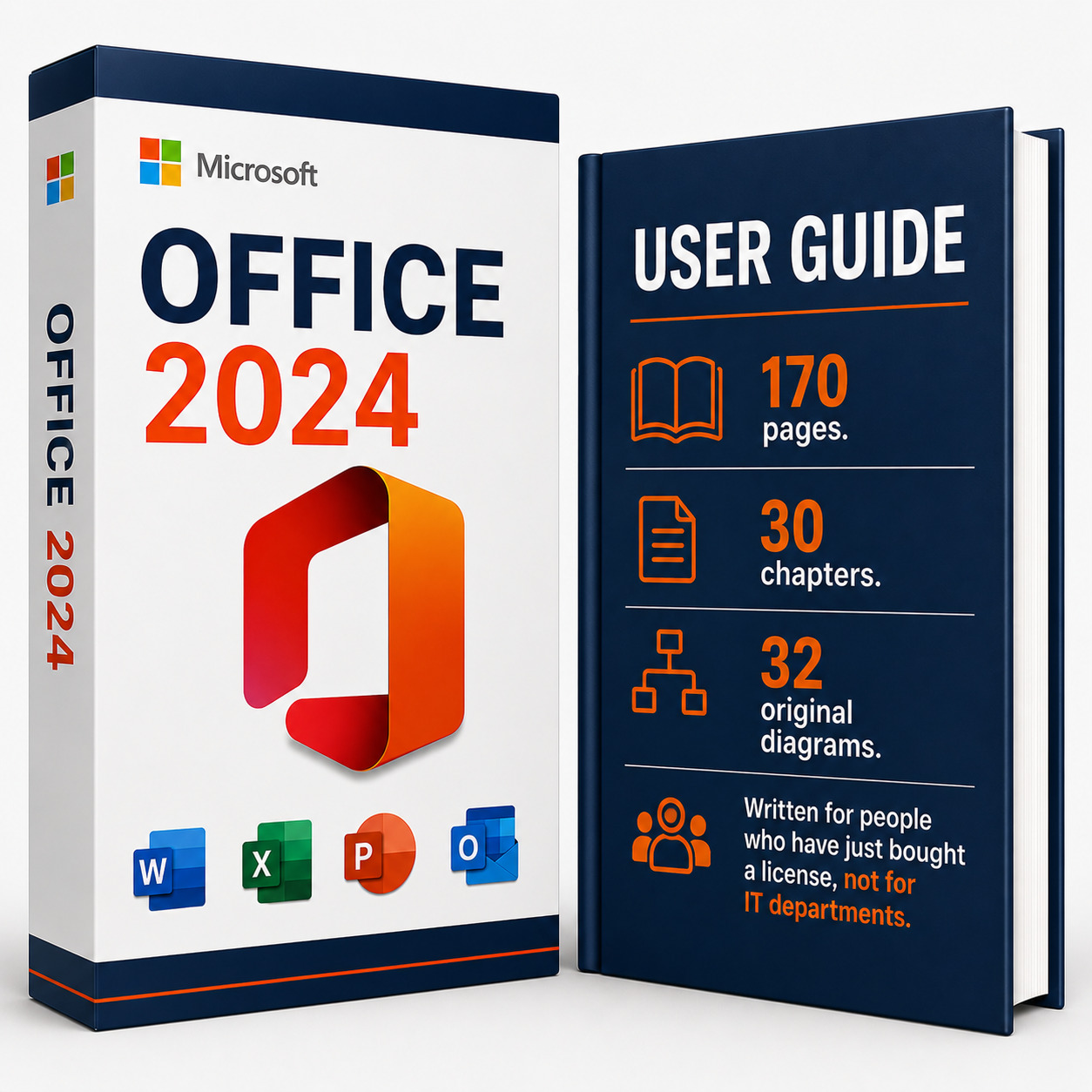
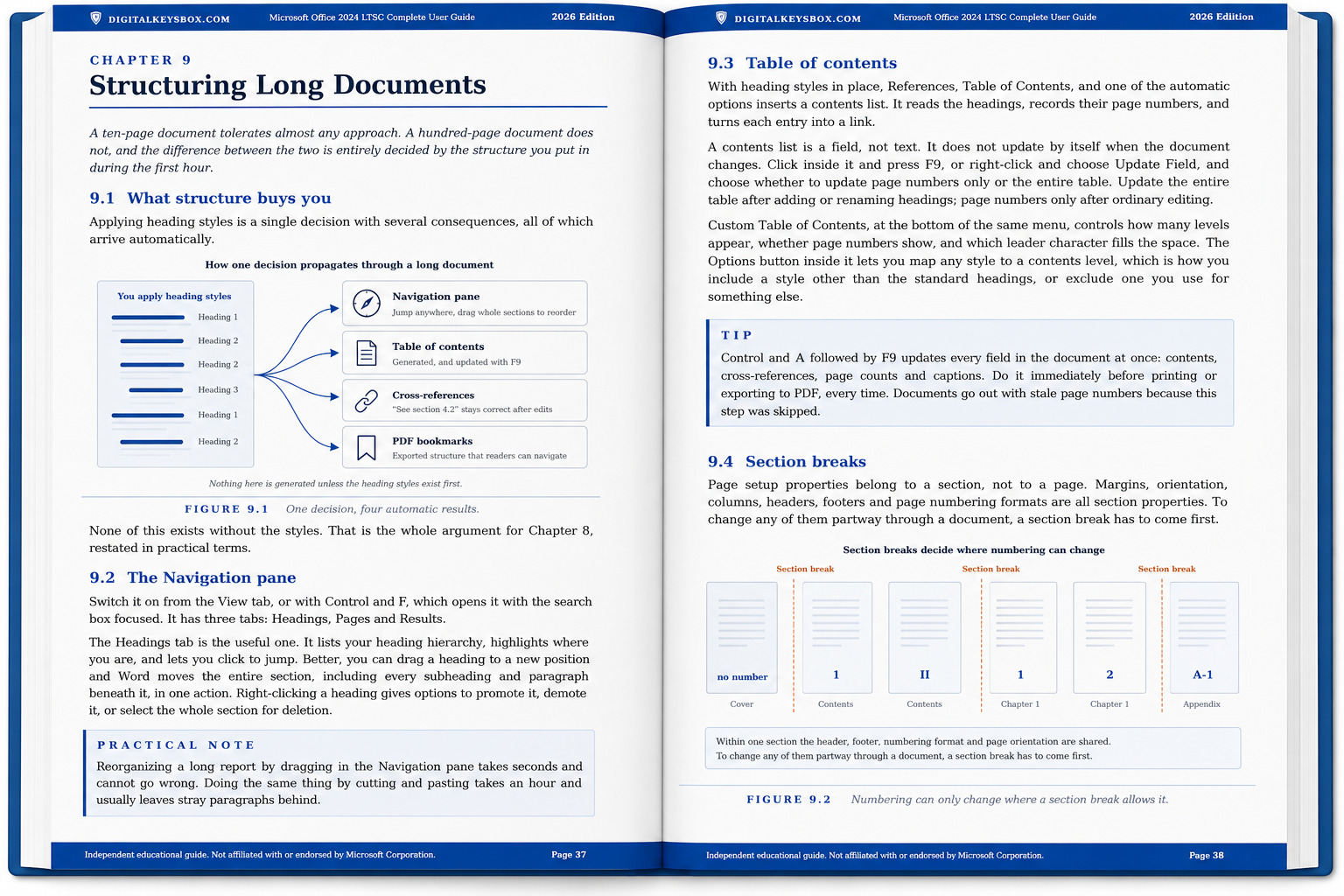
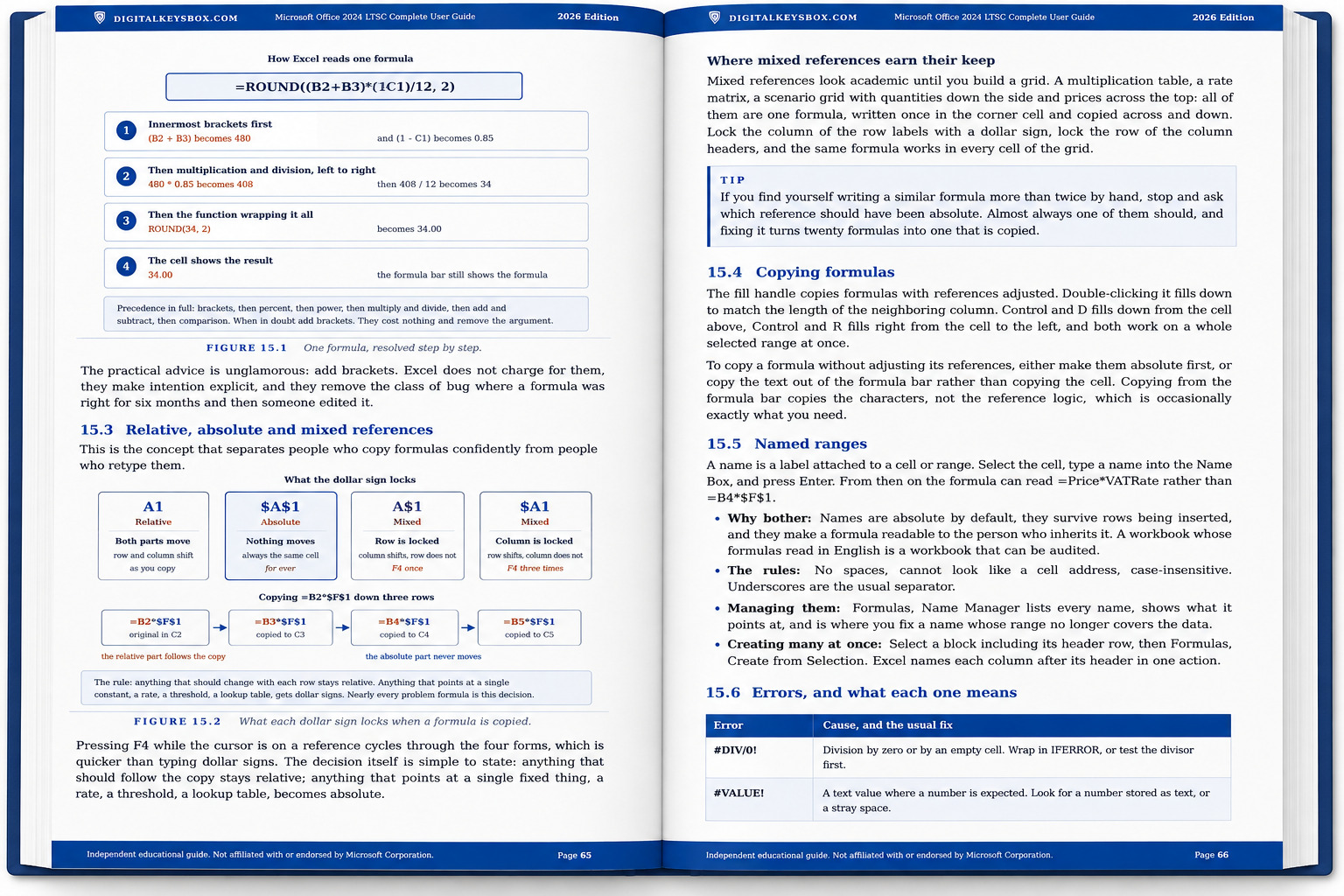
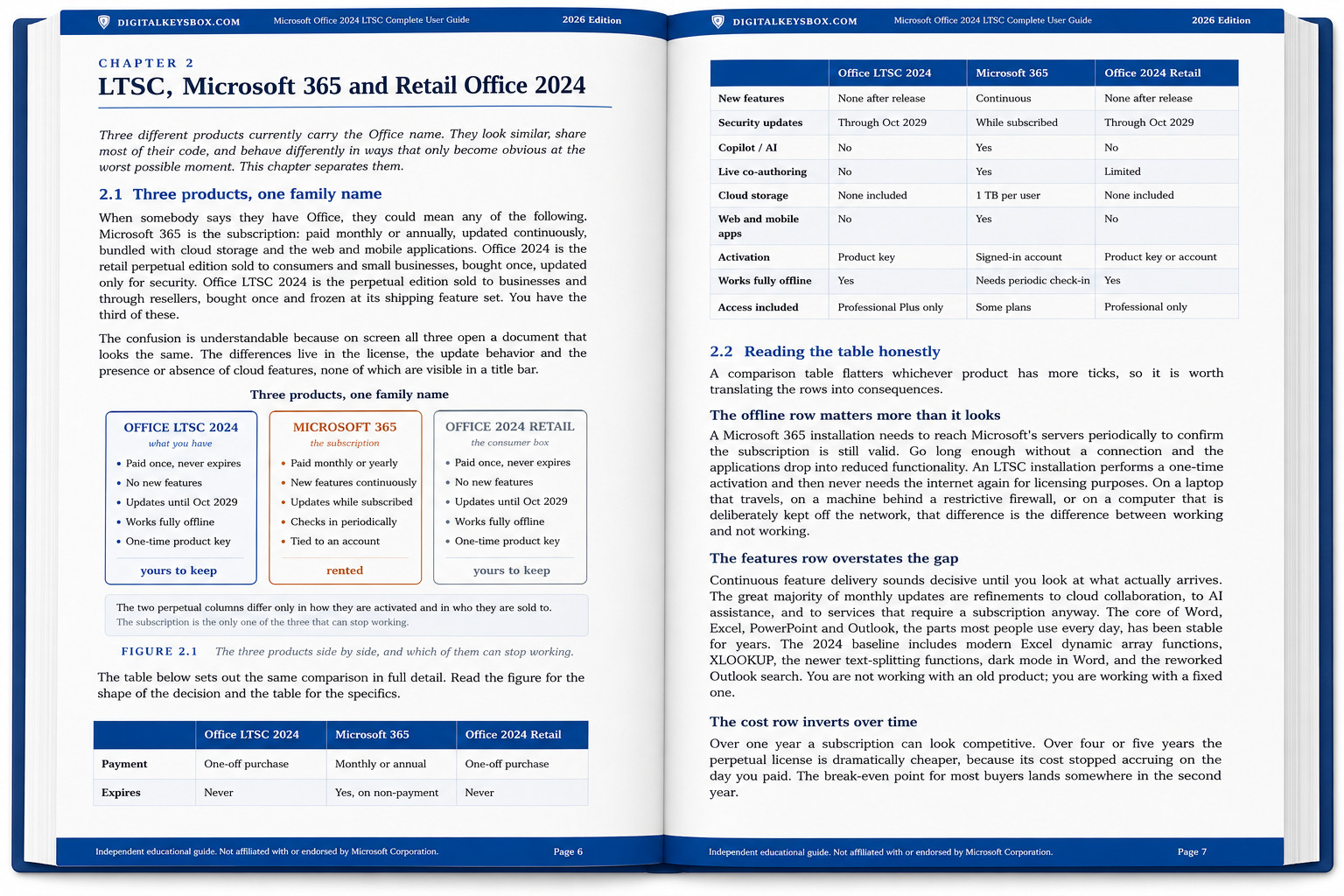
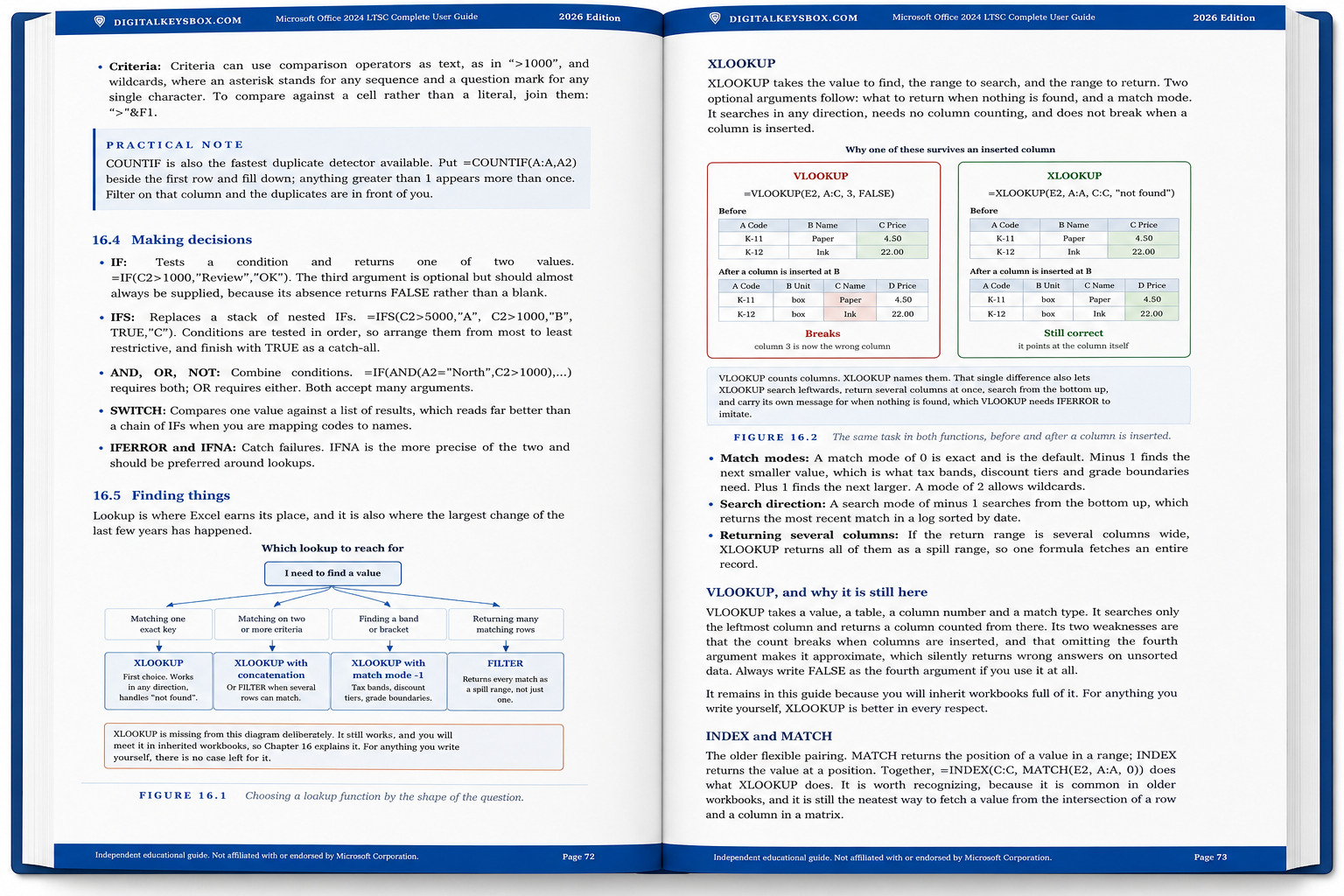
The same lifetime Office 2024 Professional licence we sell on its own, with our own 170-page guide included. We wrote it ourselves, and it is the reason people who buy here stop writing to support.
Check Before You Buy
- Windows only: for Windows 10 and Windows 11. Not for Mac or Chromebook.
- Previous Office: uninstall Microsoft 365 trials or older versions before installation.
- Multi-device: this license activates on up to 1 PC.
- One-time purchase: lifetime license, not a subscription.
- The guide is a PDF: delivered as a download link with your key, not a printed book.
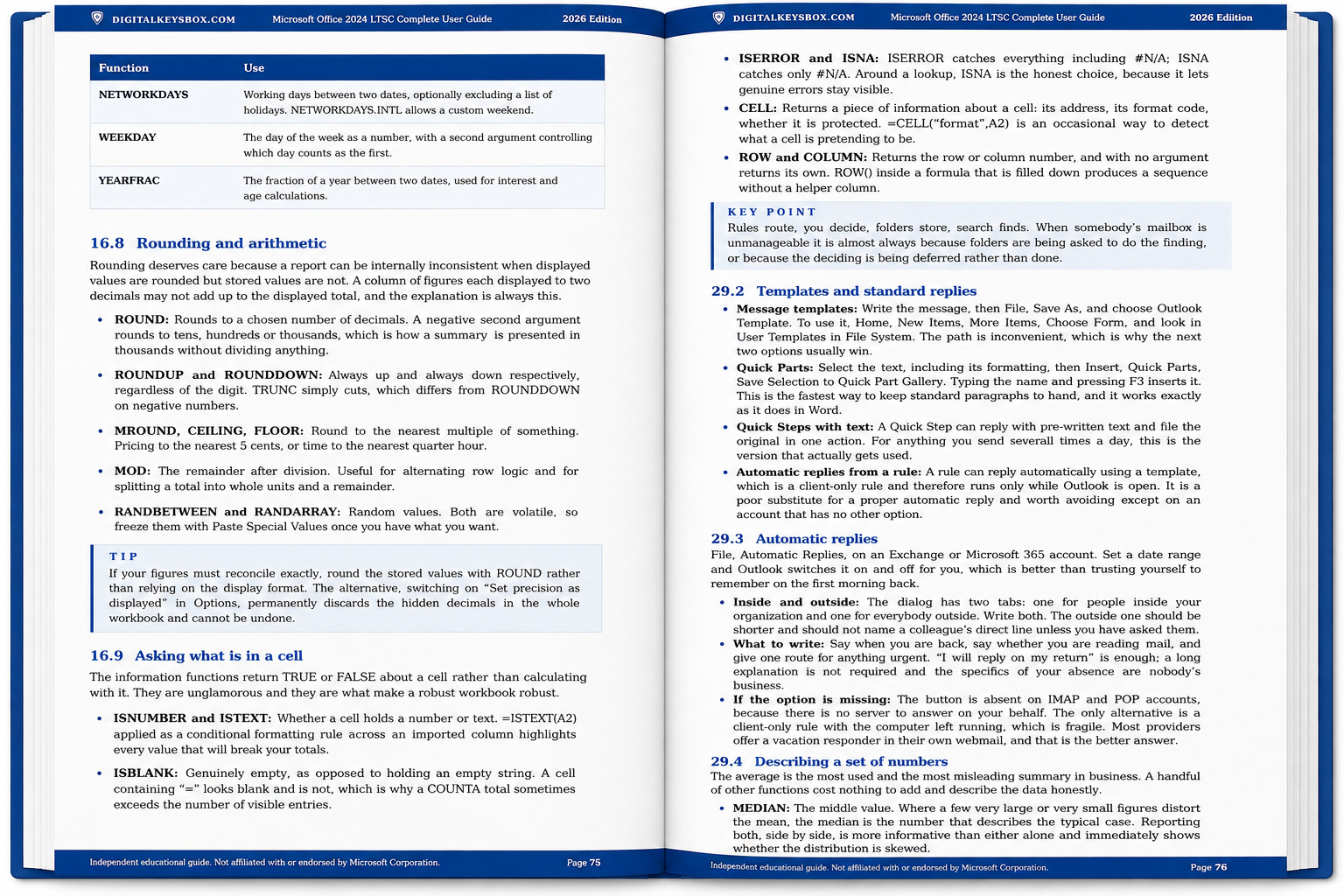
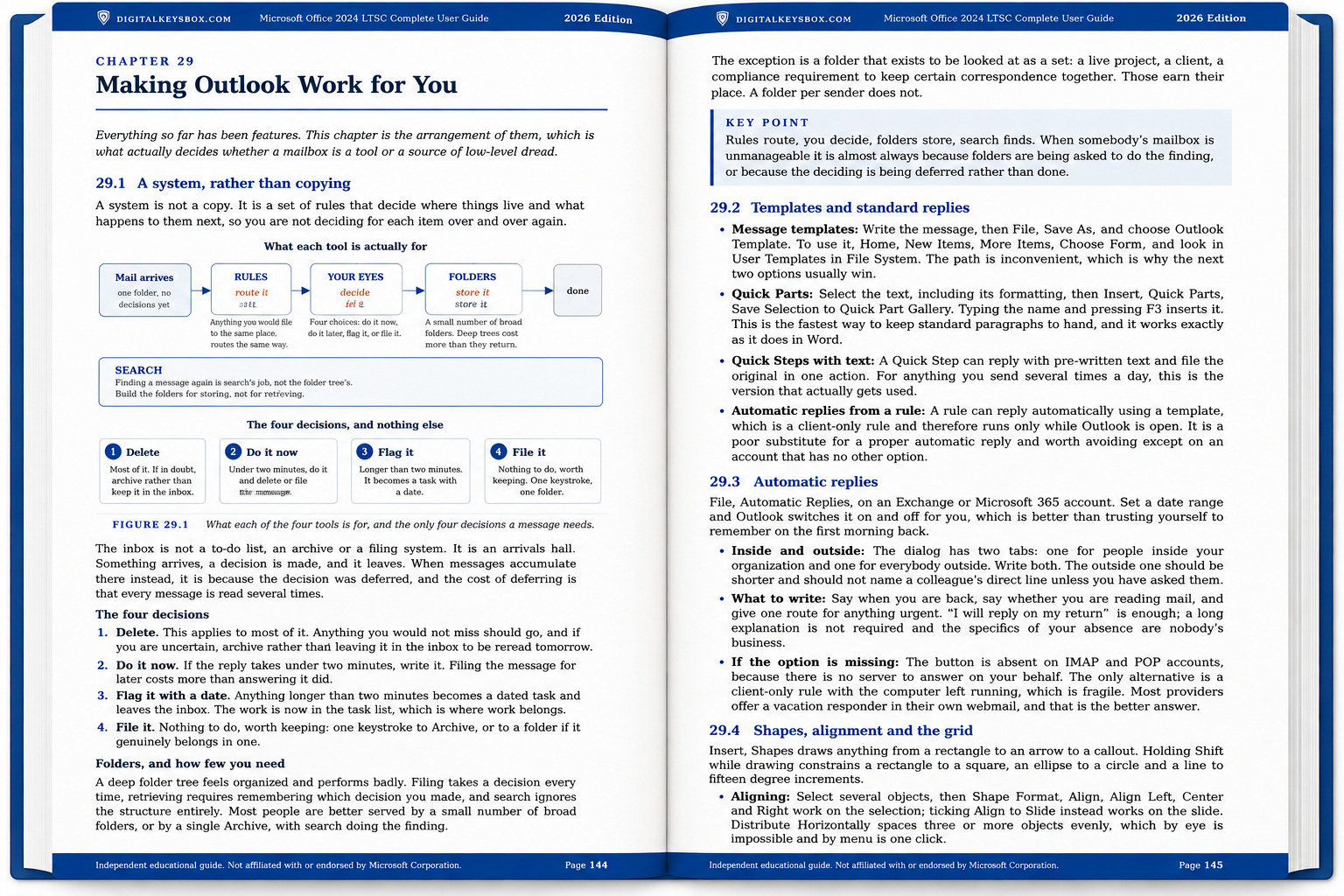
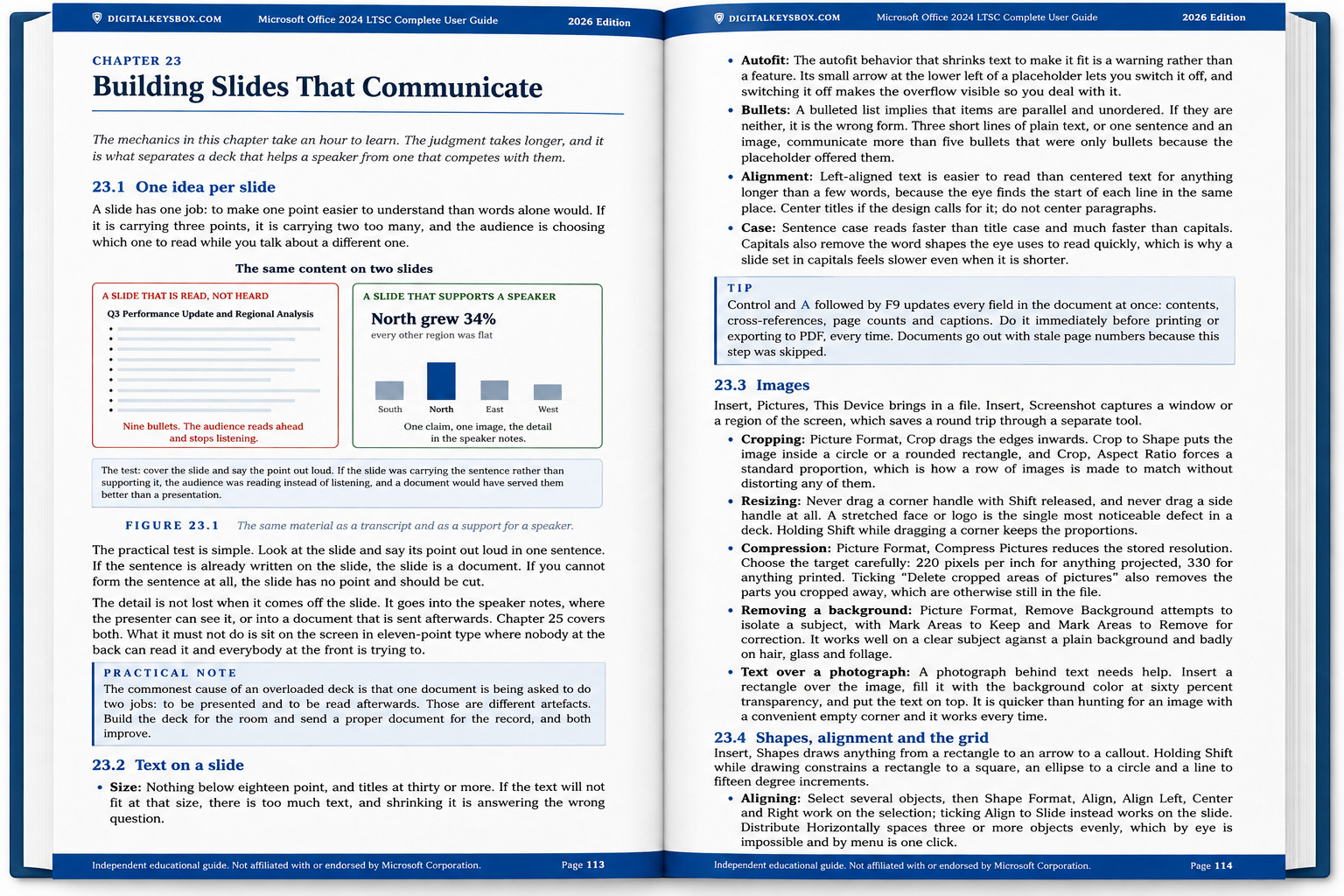
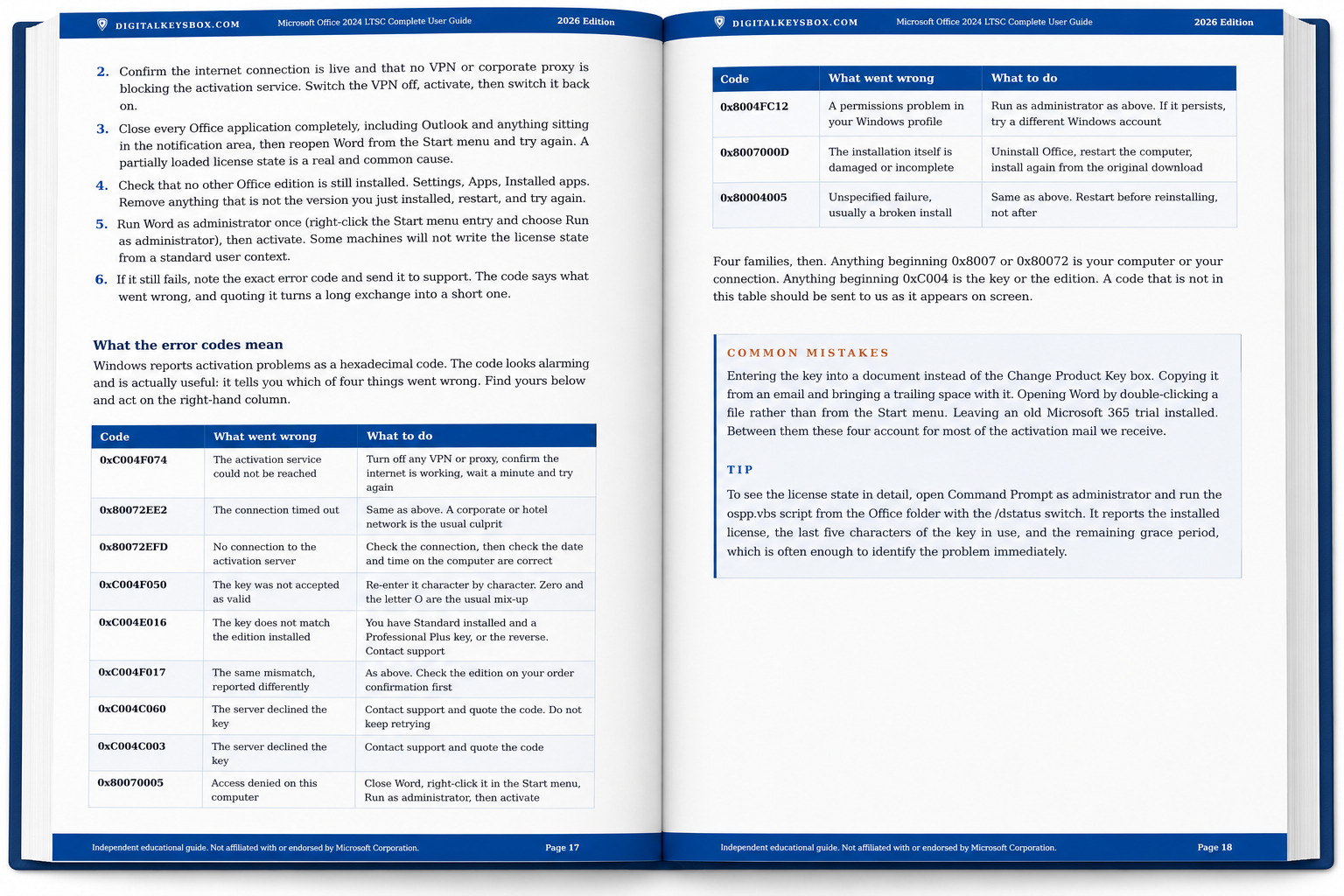
The Guide: 170 Pages, Written By Us
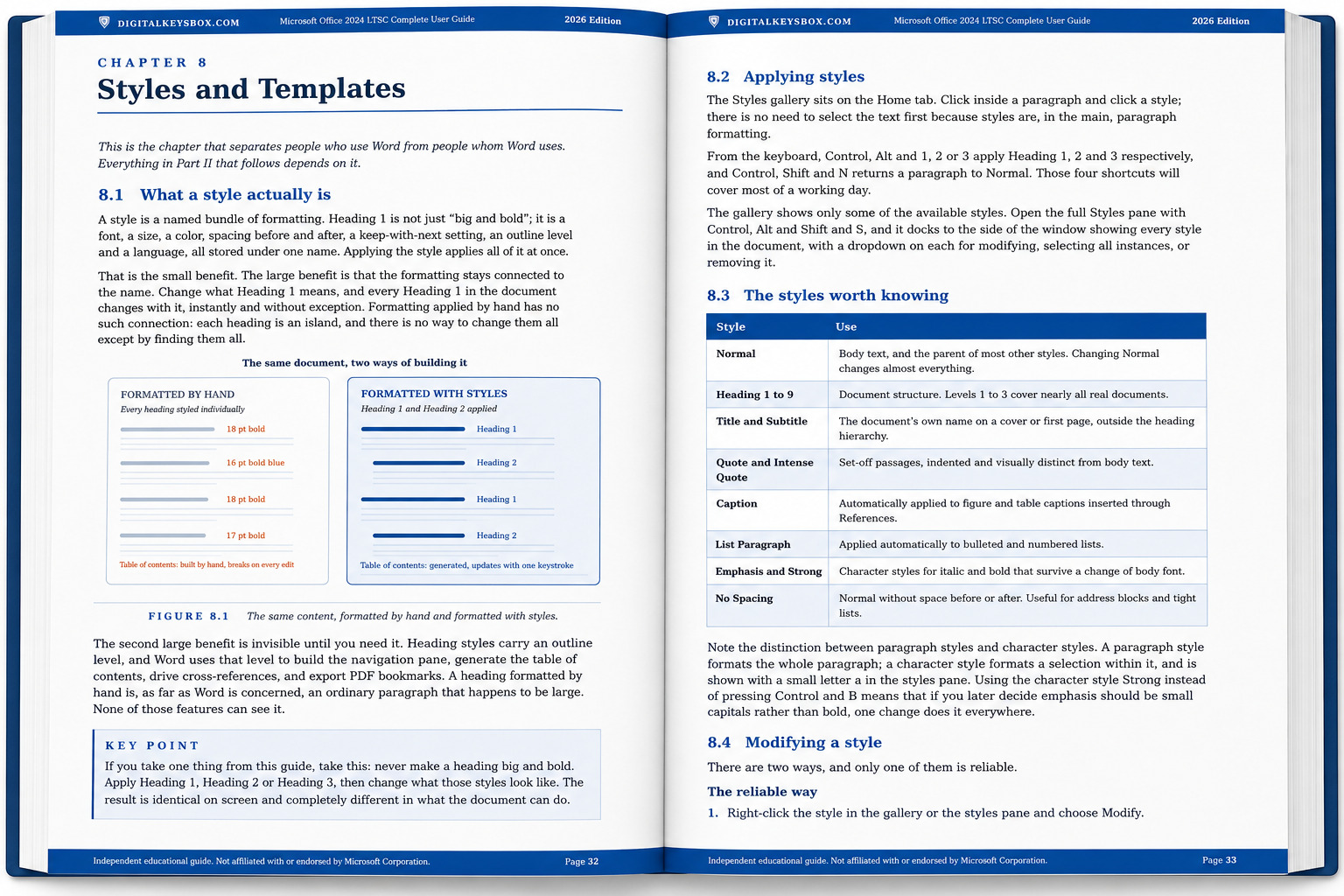
Most people acquire Office, use about a fifth of it, and spend years doing by hand the four fifths it would have done for them. The help built into Office answers the question you already knew how to ask, and answers nothing else. So we wrote the book that does.
Three working files are included too: a Word template with the heading styles and numbering already set up, a PowerPoint template with seven named layouts, and an Excel workbook with every formula from Part III live and editable. All macro-free.
Read two full chapters free before you decide: installation with all the error codes, and the chapter on styles that the rest of the Word section depends on. Download the sample (PDF).
What’s Included
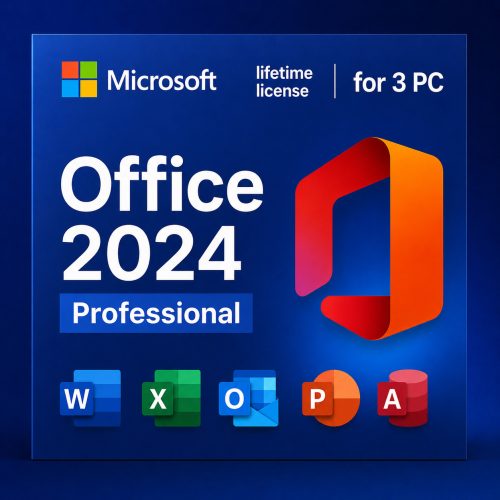
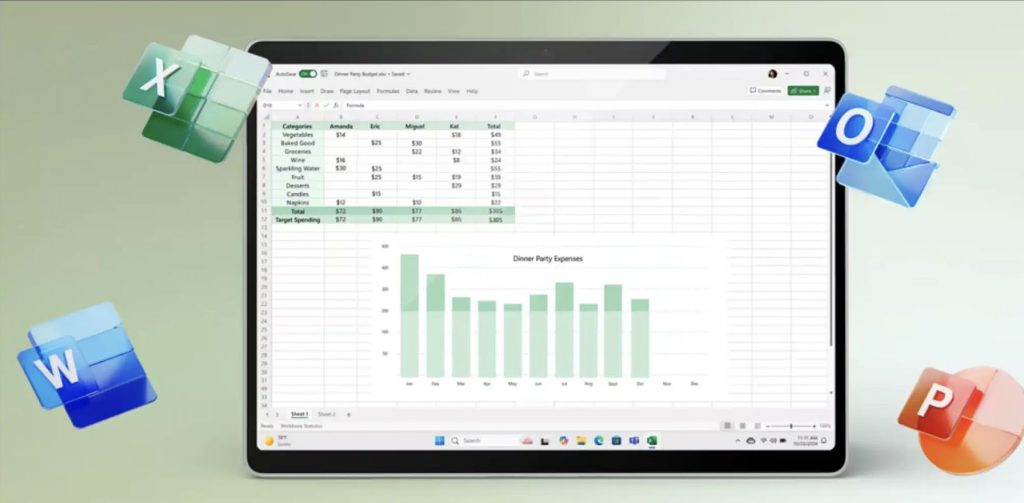
The Professional suite: Word, Excel, PowerPoint, Outlook, OneNote and Access 2024. (Publisher is no longer part of Office 2024.)
Also included: OneNote 2024 (notes and ideas), Access 2024 (database management), and the 170-page guide with its three companion files.
Who Is This Bundle For?
- Anyone buying Office anyway who would rather not spend the first evening working out where things are.
- People who write reports, proposals or contracts and lose an hour a week to formatting.
- People who keep data in Excel and suspect their spreadsheets are held together with hope.
- Professionals and small businesses who want the Office suite without a subscription.
- Users who need Access (the database app) alongside the core apps.
What This Is NOT
- Not Microsoft 365 no subscriptions or recurring billing.
- Not a trial this license does not expire.
- The guide is not from Microsoft it is an independent publication by DigitalKeysBox, not affiliated with Microsoft Corporation.
- Office 2024 does not include Publisher Microsoft ended its support.
- Not for macOS or Chromebook this is a Windows licence.
How It Works
- Purchase choose this bundle and check out.
- Instant delivery your product key and your download link for the guide arrive by email within minutes.
- Install download the Office 2024 installer and run it. Chapter 4 of the guide covers this step in detail.
- Activate open Word, choose “Change your product key” and enter your key (or File → Account → Change product key).
- Read Chapter 8 when the software is running and you have an hour. It is the one that pays for itself first.
Office 2024 Professional + Guide: Frequently Asked Questions
The Guide
Is the guide from Microsoft?
No. We wrote it ourselves, from the questions our own support desk is asked every week. It is an independent educational publication and is not affiliated with Microsoft Corporation.
How is it delivered?
As a PDF download link, alongside your product key, within minutes of your order. Your copy is prepared for you and carries your order details.
Can I see it before buying?
Yes. Two complete chapters are free, with nothing cut inside them: download the sample.
What are the three companion files?
A Word template with heading styles and automatic numbering already set up, a PowerPoint template with seven named layouts, and an Excel workbook where every formula from the Excel section is live and editable. All macro-free.
Can I print it?
Yes. Printing is enabled and the layout is built for A4.
Pricing & Authenticity
Is the price final? Hidden fees?
The price is final and includes all taxes.
How can you offer it so cheaply?
We buy in volume directly from our supplier and pass the savings on. The guide costs us nothing to include, because we wrote it.
Is it genuine and permanent?
Yes a genuine license with lifetime activation that does not expire, and works worldwide.
Features & Compatibility
Difference between Office 2024 and 2021?
Office 2024 is the newer perpetual release with updated apps. Microsoft has ended support for Publisher, so it is no longer part of Office 2024 if you need Publisher, choose Office 2021 Professional.
What is the difference vs Standard?
Professional adds Access (the database app) on top of the Standard apps.
Does it work on Windows 10?
Yes, on Windows 10 and 11.
Does it include Copilot AI?
No Copilot is a Microsoft 365 feature, not part of perpetual Office 2024. The guide says so too, and explains what you have instead.
Delivery & Support
How does delivery work?
Instantly by email after payment your key, your download link and the guide. Digital only, no disc.
Can I reinstall later?
Yes, reactivate on the same device with your key.
Can I contact support?
Yes reach out before opening a dispute and we’ll resolve it fast, with refunds or replacements if needed.
Office 2024 Professional, and the guide that comes with it
One-time purchase. Lifetime activation. Genuine license with instant delivery, real human support, and 170 pages written by the people who sell it to you.