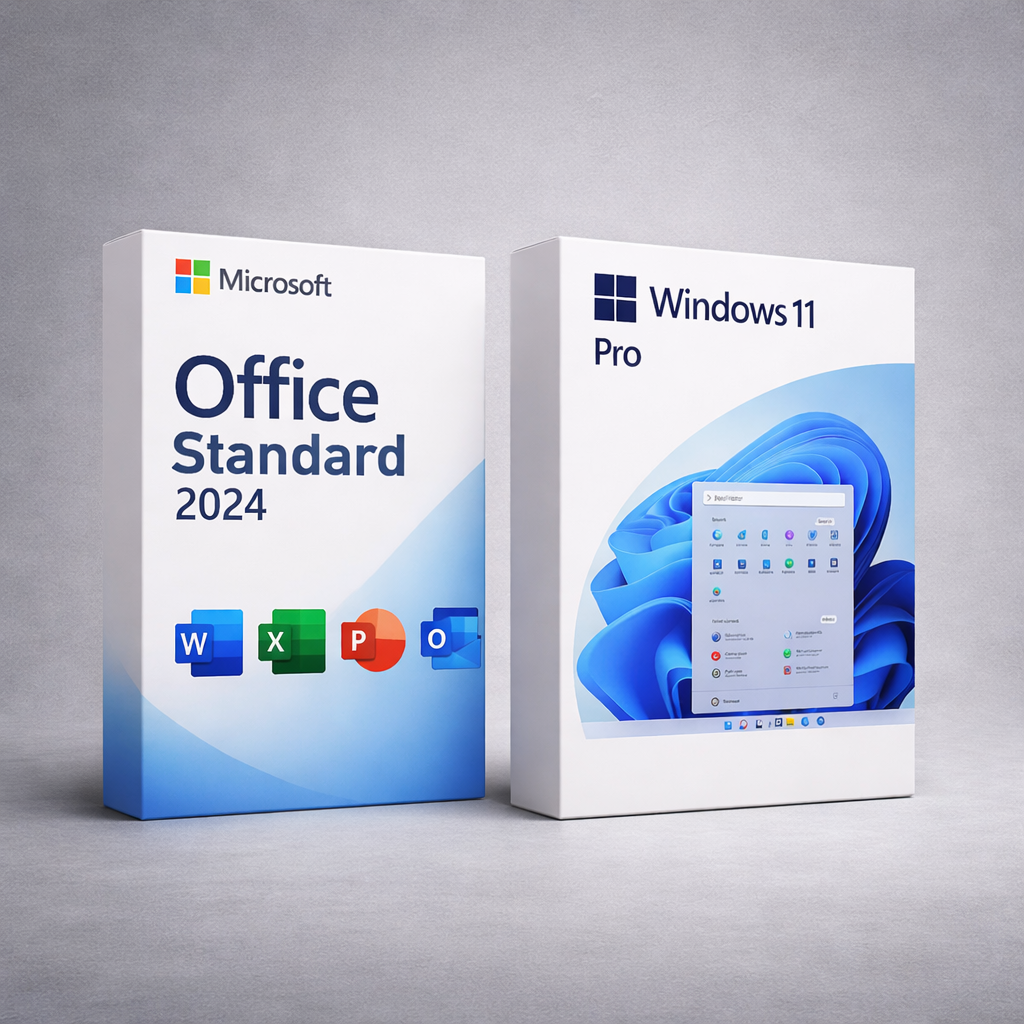
Bundle: Windows 11 Pro + Office 2024 Standard — Lifetime License Keys (Windows)
This bundle is for Windows PCs. Looking for Office 2024 for macOS?
Get the Mac version here: Office 2024 for Mac.
Get a complete setup for work and productivity: Windows 11 Pro for advanced security and business features,
plus Office 2024 Standard with the essential apps: Word, Excel, PowerPoint, Outlook, and OneNote.
You’ll receive your keys instantly, along with step-by-step installation and activation guidance.
- Windows 11 Pro: lifetime activation license key for 1 PC (Home → Pro upgrade supported).
- Office 2024 Standard: lifetime license key (PC count is based on your order details).
- Instant delivery after successful payment.
- One-time purchase — no subscriptions.
- Works worldwide. Any Windows language is supported.
Who Is This Bundle For?
- Home & remote users who want a full Windows + Office setup
- Students and professionals (docs, spreadsheets, presentations)
- Small businesses needing Pro security and Office apps
- Upgraders moving from Windows Home or older Office versions
Best choice if you want ownership (one-time purchase) instead of subscriptions.
What This Is NOT
- Not Microsoft 365 (no monthly/yearly billing)
- Not a trial and not time-limited
- Not for macOS or Chromebook
- Not “S mode” compatible — switch out of S mode first (Windows FAQ)
- Office Standard does not include Access (database app)
If you see Windows “Home” or an Office sign-in prompt — that’s normal. Follow the activation steps (FAQ below).
How It Works
1) Purchase
Complete checkout for the Windows + Office bundle.
2) Instant Delivery
Receive your Windows 11 Pro key + Office 2024 Standard key right after payment.
3) Activate Windows
Upgrade Home → Pro or activate Windows 11 Pro in Settings.
4) Install & Activate Office
Install Office and activate it with your Office 2024 Standard key.
Tip: For the smoothest setup: activate Windows first, then install & activate Office.
If Office activation fails due to old Office licenses, contact support — we’ll help you fix it.
Why Buy This Bundle from DigitalKeysBox?
- ✔ Instant digital delivery — no waiting
- ✔ Step-by-step activation guidance for both Windows & Office
- ✔ Real human support — no bots
- ✔ Money-back guarantee
What’s Included
Windows 11 Pro
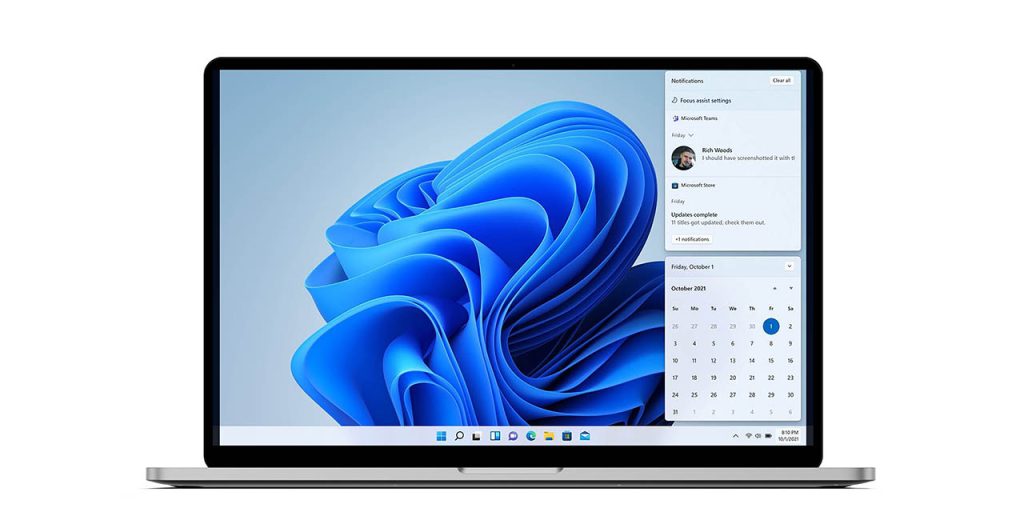
A modern Windows experience with enhanced productivity and stronger Pro-grade security for work and business use.
- BitLocker: device encryption for data protection
- Remote Desktop (host): access your PC remotely
- Domain / Azure AD join: workplace network ready
- Group Policy: advanced configuration control
- Snap layouts: improved multitasking & window management
Office 2024 Standard
Essential Office apps for everyday productivity — with a one-time purchase (no subscription).
- Word 2024 — documents & reports
- Excel 2024 — analysis, formulas, charts
- PowerPoint 2024 — presentations
- Outlook 2024 — email & calendar
- OneNote 2024 — notes & organization
Note: Office Standard does not include Access.
System Requirements
Windows 11 Requirements
- CPU: 1 GHz+, 2+ cores, 64-bit compatible
- RAM: 4 GB+
- Storage: 64 GB+
- UEFI / Secure Boot: required
- TPM: TPM 2.0
Office 2024 Requirements
- OS: Windows 10 or Windows 11
- RAM: 4 GB (64-bit)
- Disk space: ~4 GB available
- Internet: required for download & activation only
Updates & Support
- Windows 11: security & quality updates via Windows Update.
- Office 2024: security & quality updates via Microsoft update channels (and in Office: File → Account → Update Options).
- Updates improve stability and security — they do not convert your licenses into subscriptions.
- Need help? Contact our support team and we’ll guide you step-by-step.
Quick Comparisons
Common Questions About This Bundle
Pricing & Legitimacy
Is the price final? Is sales tax included?
Yes — the price shown is final and includes all taxes.
Are the products legitimate?
Yes. Our products are legitimate and covered by our hassle-free money-back guarantee.
Is this a trial? Will it expire?
No — both Windows and Office are lifetime licenses and do not expire.
Delivery
When will I receive my keys?
After successful payment, you can access your keys from the confirmation page, and they will also be emailed to you.
Windows 11 Pro Activation
I entered the link for Windows 11 Pro and it shows Windows 11 (not Pro). Why?
It depends on the edition currently installed on your PC. If your device is on Windows 11 Home, you must upgrade the edition to Pro using the key.
How do I upgrade from Windows 11 Home to Pro?
Go to Settings → System → Activation, select Change product key, and enter your Windows 11 Pro key. Your PC will upgrade to Pro and restart.
What if my PC is in Windows S mode?
You must switch out of S mode before upgrading editions: Settings → System → Activation → Switch out of S mode.
Office 2024 Standard Activation
Do I need a Microsoft account?
No — a Microsoft account is not required to activate or use Office 2024. You can skip sign-in and use Office offline.
Is this Microsoft 365?
No — Office 2024 is a standalone lifetime license (not a subscription).
What if Office doesn’t activate?
Old Office licenses on your PC can interfere. Contact support and we’ll help you remove previous Office traces and activate successfully.
Reinstall & Device Changes
Can I reinstall Windows or Office later?
Yes — you can reinstall on the same device and reactivate.
Can I move the licenses to another PC?
These licenses are intended for use on the originally activated device(s). If you experience issues, our support team will help.
Refunds
What if something goes wrong — can I get a refund?
Our support team will try to resolve issues quickly. Refunds follow our Refund Policy, and we aim to make sure you’re satisfied.
If you want a complete, modern Windows setup for work and productivity without subscriptions,
this bundle gives you Windows 11 Pro + Office 2024 Standard with lifetime licenses and real human support.