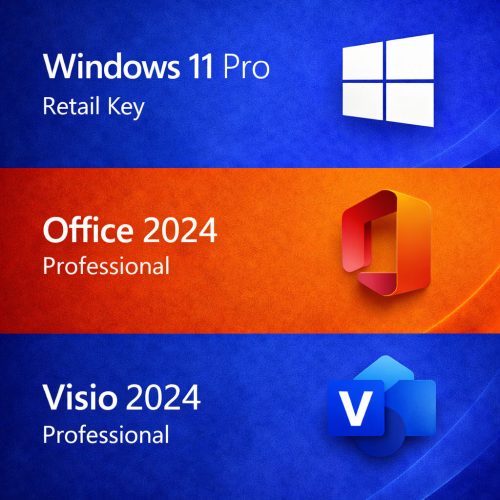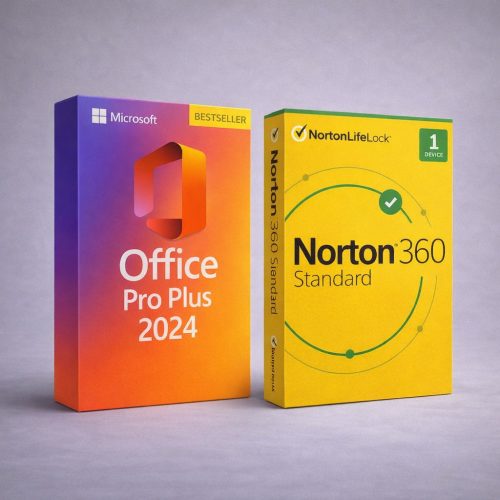
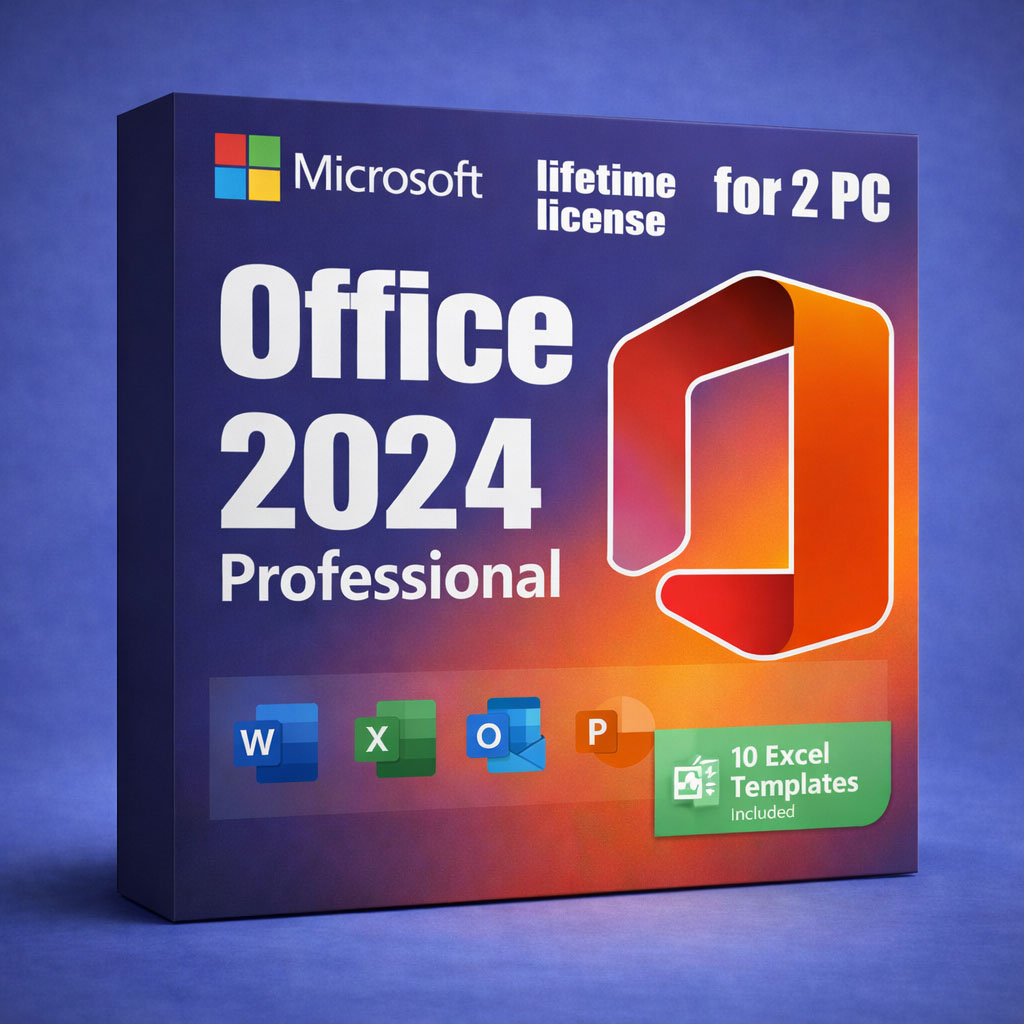
Office 2024 Professional — Lifetime License Key (2 PC)
Looking for Office 2024 for macOS? Get the Mac version here: Office 2024 for Mac.
Check Before You Buy
- Previous Office: All older versions and trials (including Microsoft 365) must be uninstalled to avoid conflicts.
- OS Compatibility: Ensure you are running Windows 10 or 11 (Not for Chromebook/Mac).
- Multi-Device: This specific license allows activation on up to 2 separate Windows PCs.
By purchasing Office 2024 through DigitalKeysBox, you get a legitimate product key, an installation guarantee, and a step-by-step guide to download, install, and activate. Our support team is ready to help at any stage.
- Pay once, use forever: Lifetime activation license key for 2 PCs.
- Bonus Included: All-in-One Excel Template Pack (10 practical templates).
- Instant delivery of download info, key, and bonus templates after successful payment.
- Download from the official Microsoft website (helps ensure authenticity).
- One-time purchase — not a subscription.
Who Is This Office 2024 For?
- Users with two devices (e.g., Desktop and Laptop).
- Students needing Word/Excel/PowerPoint for study.
- Small businesses for documents, invoices, and reporting.
- Offline-first users who prefer local apps after activation.
- Users upgrading from older versions (2016/2019/2021).
What This Is NOT
- Not Microsoft 365: No subscriptions or recurring billing.
- Not a trial: This license does not expire.
- Not cloud-only: Office works locally after activation.
- Not for Chromebook.
- Not macOS: Use the Mac version link above.
If prompted to sign in to a Microsoft account, you can choose Skip and use Office offline.
How It Works
1) Purchase
Choose Office 2024 (2 PC) and checkout.
2) Instant Delivery
Receive key and instructions by email immediately.
3) Install
Download and install on up to 2 Windows devices.
4) Activate
Enter your key on each PC to use forever.
Installation Guarantee: We guarantee successful activation on both devices. Our support team is here to help with any setup issues.
What’s Included

Word 2024
Create professional documents faster with a modern interface.
- Advanced editing & layout tools.
- Track Changes & threaded comments.
- Reliable PDF export.
Excel 2024
Powerful data analysis with refreshed functions.
- TEXTSPLIT, VSTACK, REGEX functions.
- Dynamic arrays & smarter charts.
- Full dark mode support.

PowerPoint 2024
Polished presentations with improved animations and transitions.
- Dynamic content & transitions.
- Advanced animation tools.
- Revisions and comments tracking.

Outlook 2024
Manage email and calendar with improved search.
- Automatic online meeting links.
- Enhanced search visibility.
- Better inbox organization.
OneNote & Access 2024
- OneNote 2024: Keep all notes in one place with notebooks and sections.
- Access 2024: Build and manage relational databases (Windows PC Only).
Bonus: All-in-One Excel Template Pack (10 Templates)
A complete set of practical, ready-to-use templates for planning, budgeting, and organization.
Bill Template
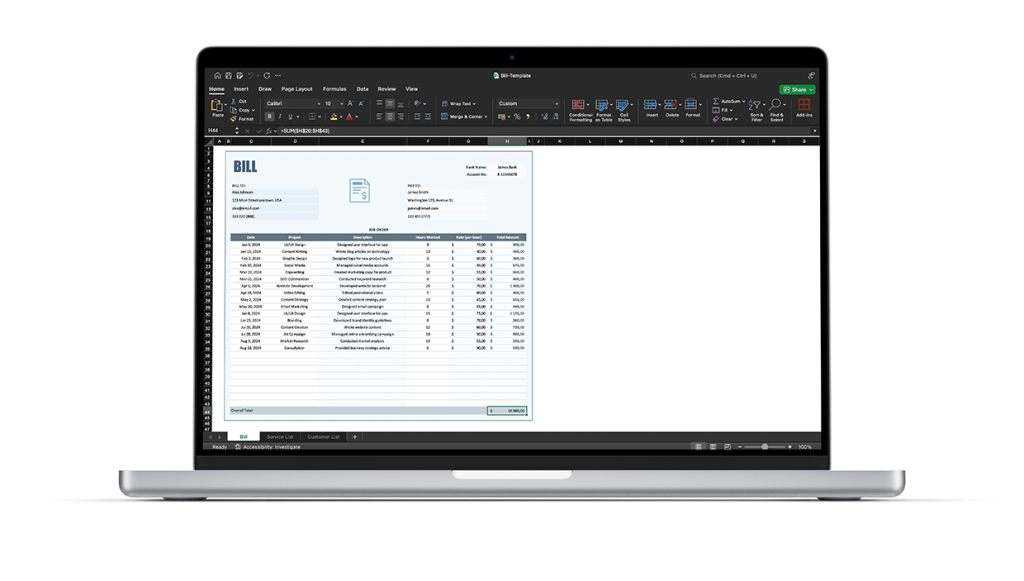
Track invoices and payments — great for freelancers.
Cleaning Schedule
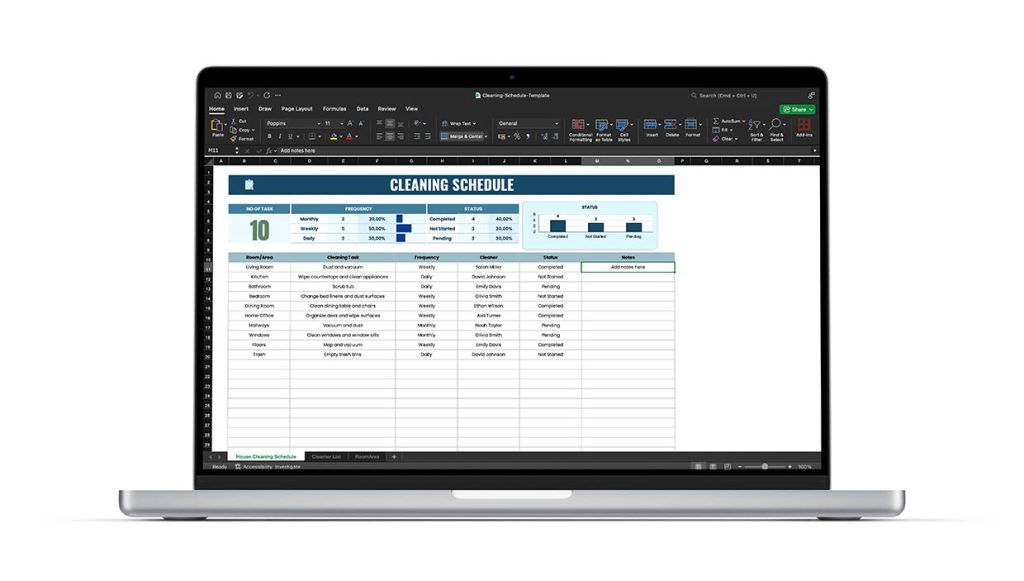
A simple visual routine organizer.
Weekly Planner
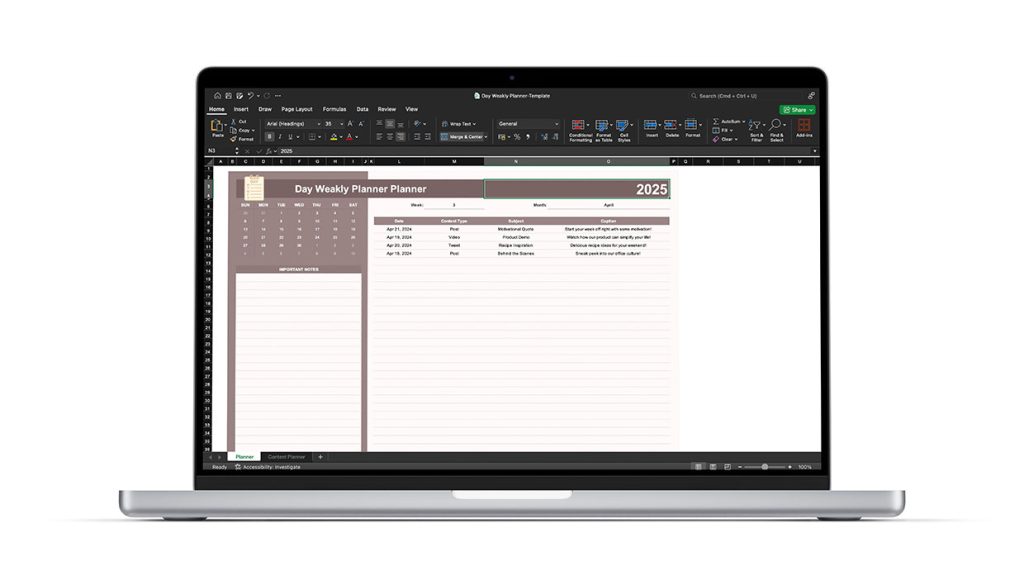
Plan tasks, appointments, and goals with ease.
Expense Tracker
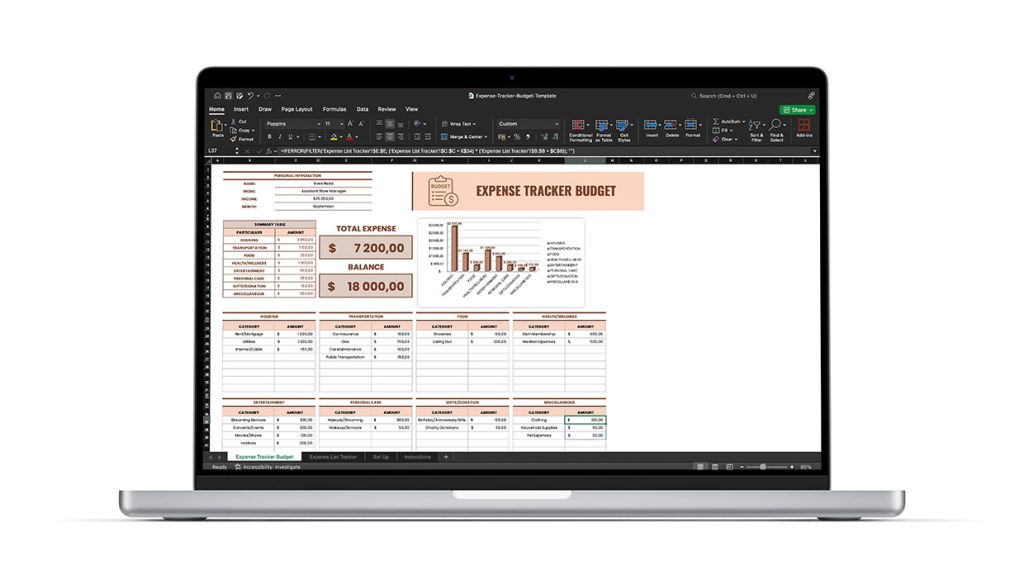
Log spending and visualize budget in one place.
Family Budget
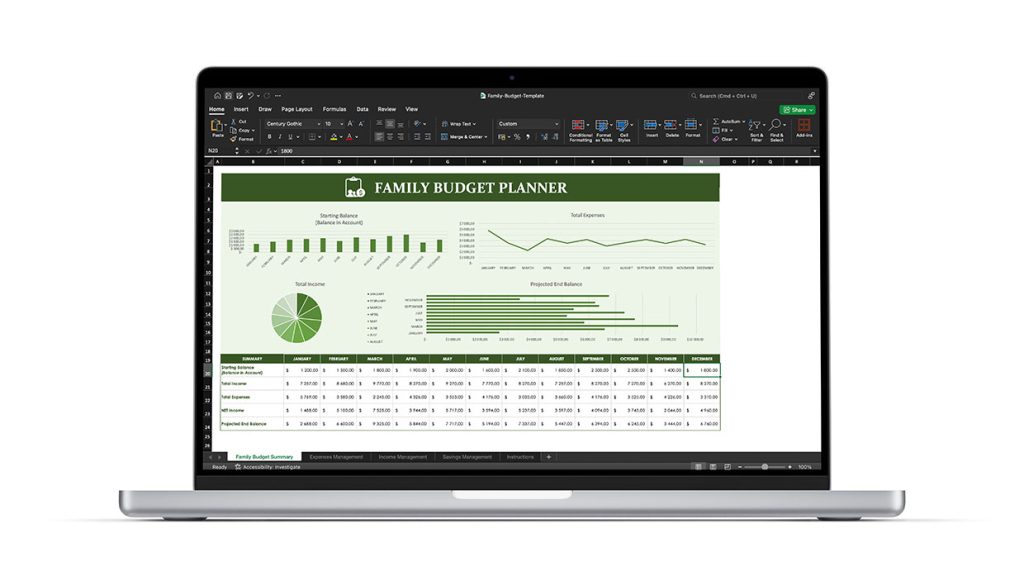
Manage household income and savings goals.
Goal Tracker
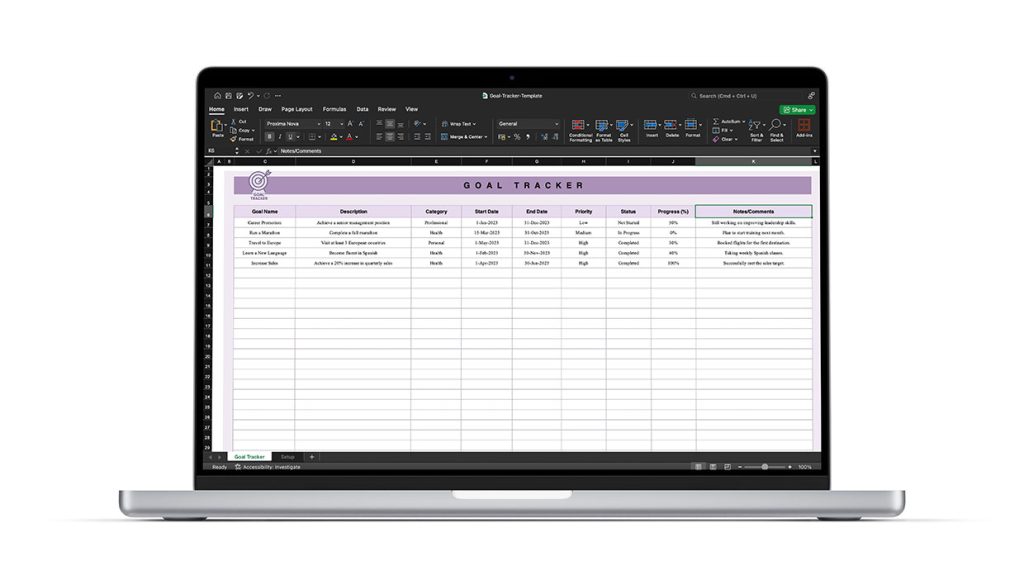
Set goals and track progress consistently.
Grocery Cost Planner
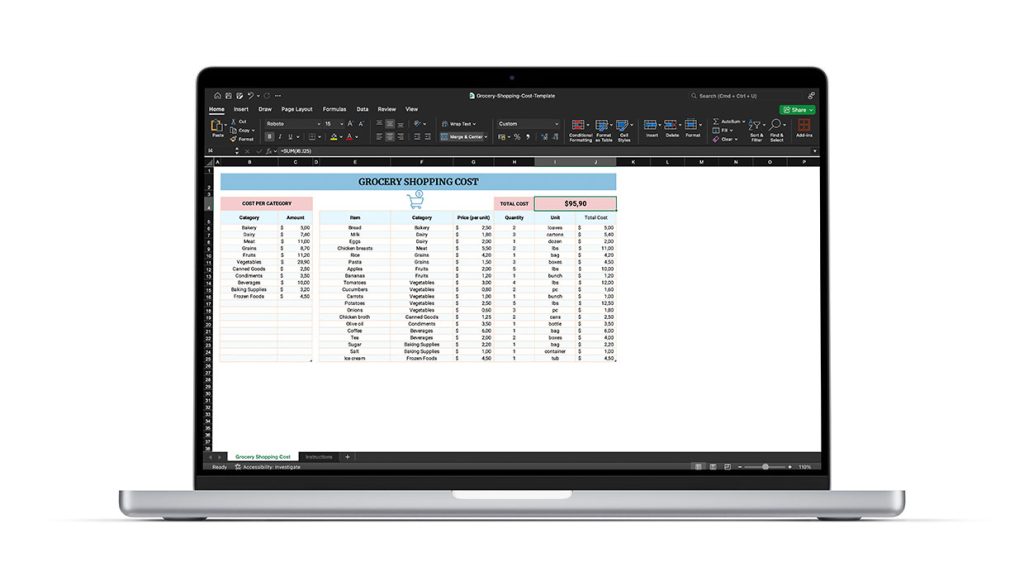
Keep grocery spending on track.
Habit Tracker
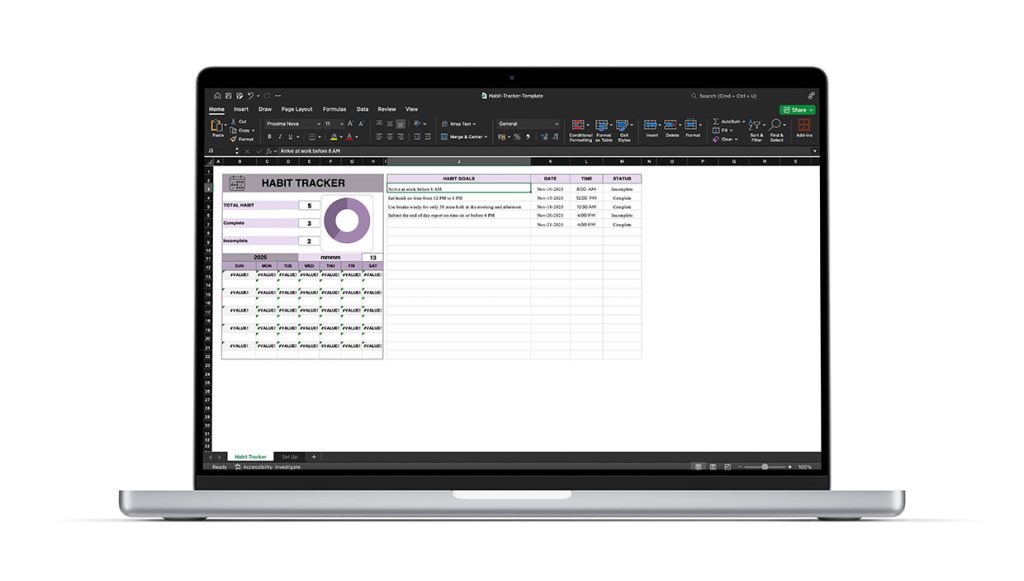
Build and visualize daily habits.
Personal Budget Planner
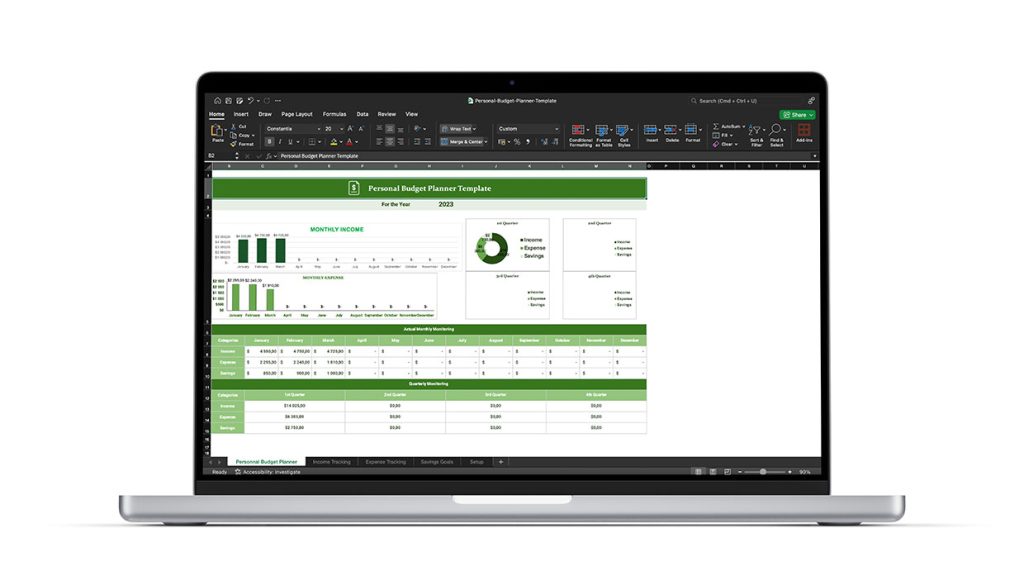
Monitor income and savings easily.
Planner Template
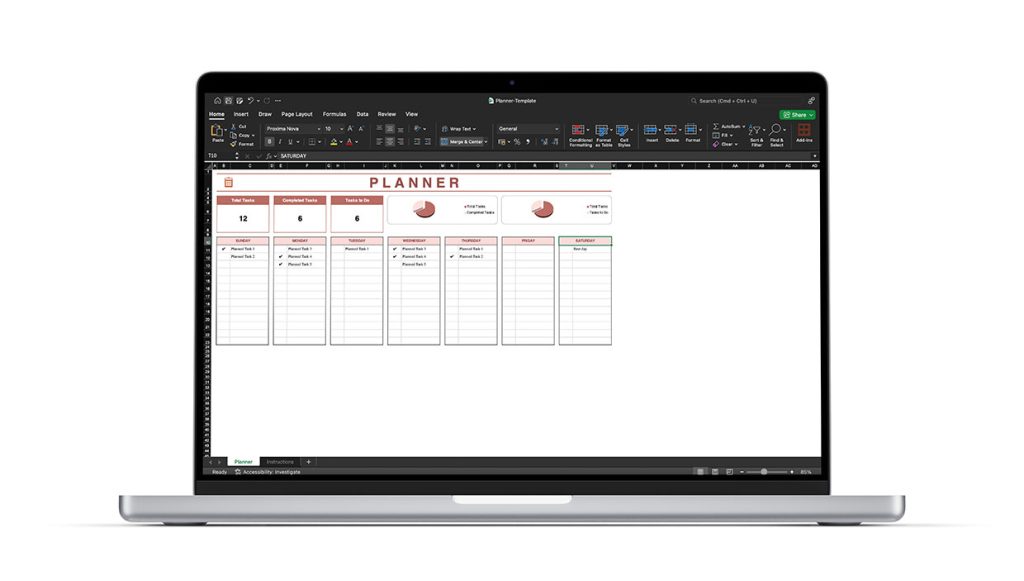
Versatile work and personal planner.
Included with your purchase: You’ll receive download instructions for the Excel template pack together with your Office order details.
DigitalKeysBox: Frequently Asked Questions
Pricing & Authenticity
Is the price final? Are there any hidden fees or taxes?
The price shown at checkout is final and includes all applicable taxes. There are no surprise charges after your purchase.
How can you offer Microsoft software at such low prices?
As an authorized Microsoft partner and reseller, we purchase licenses in high volumes (over 800 units per week). This allows us to secure preferred terms and discounted rates, which we pass directly onto you.
Is this software genuine and permanent?
Yes. All our products are sourced directly from certified partners, and our activation keys are 100% genuine. These are lifetime licenses that activate through official Microsoft servers and never expire.
Are these keys region-locked?
No. We provide worldwide service, and our digital activation keys work globally without regional restrictions.
Office 2024: Features & Compatibility
What is the difference between Office 2024 and Office 2021?
Office 2024 features a new Fluent Design interface optimized for Windows 11, enhanced Excel functions for data analysis, and improved performance in Outlook.
Does Office 2024 work on Windows 10?
Yes. Office 2024 is fully compatible with both Windows 10 and Windows 11.
Does this work on Mac?
Yes. We offer dedicated versions specifically for Mac. Please ensure you select the “For Mac” version before checkout if needed.
Why is Microsoft Publisher not included?
Microsoft has officially ended support for Publisher, so it is no longer part of the Office 2024 suite. The package includes Word, Excel, PowerPoint, Outlook, OneNote, and Access.
Does it include the Copilot AI assistant?
No. Copilot is an AI feature tied to the Microsoft 365 cloud subscription. Office 2024 is a standalone version designed for full offline functionality.
Licensing & Activation
Is this a Microsoft 365 subscription?
No. This is a standalone, one-time purchase lifetime license. You own the software forever with no recurring monthly or yearly fees.
Can I use this key on more than one PC?
Yes. This specific product key is valid for activation on up to 2 separate Windows PCs.
Do I need a Microsoft account for activation?
No. A Microsoft account is not mandatory. You can skip the sign-in prompt and use the software independently.
Can I reinstall the software later?
Yes. You can reinstall and reactivate your software on the same 2 devices at any time, such as after a system format.
Delivery & Support
How does digital delivery work?
We offer instant digital delivery. You will receive your activation key and official download instructions via email within minutes of purchase.
What payment methods do you accept?
We accept PayPal and all major Credit Cards.
Can I contact support if I have questions?
Yes — our expert support team is your primary point of contact. We are available to assist you directly with any installation or activation concerns.
Ready to own Office — without subscriptions?
Get Office 2024 Professional (2 PC) for Windows with a lifetime license and our installation guarantee.
Money-back guarantee • Real human support • Secure checkout