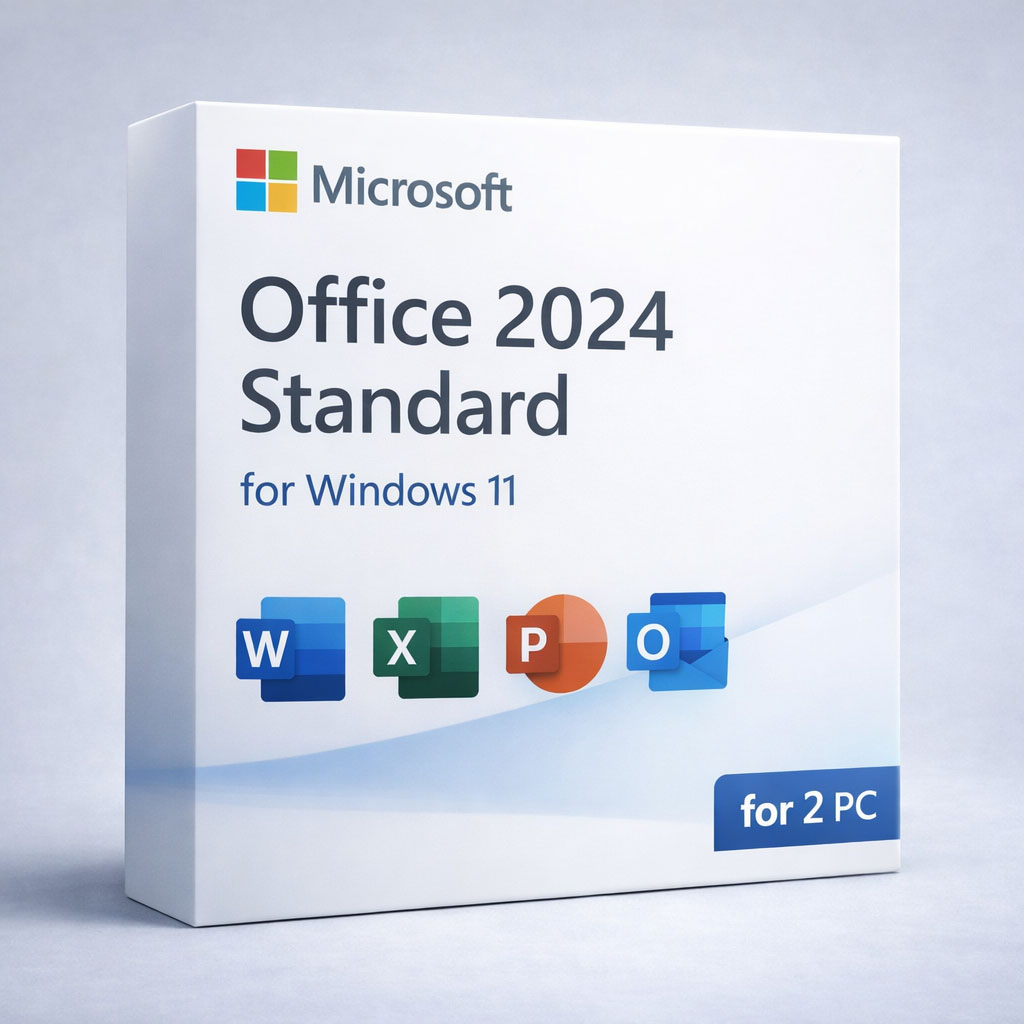
Office 2024 Standard — Lifetime License Key for 2 PCs (Windows)
Looking for Office 2024 for macOS? Get the Mac version here: Office 2024 for Mac.
By purchasing Office 2024 Standard through DigitalKeysBox, you get a legitimate product key, an installation guarantee,
and a step-by-step guide to download, install, and activate. Our support team is ready to help at any stage.
- Lifetime activation license key for up to 2 PCs.
- Windows 10 / Windows 11 (not for Chromebook).
- Instant delivery of download info and key after successful payment.
- Download from the official Microsoft website (helps ensure authenticity).
- One-time purchase — not a subscription.
Who Is Office 2024 Standard For?
- Home users who want Office without monthly fees
- Students who need Word/Excel/PowerPoint for study
- Freelancers and small businesses (documents, invoices, reporting)
- Offline-first users who prefer local apps after activation
- People upgrading from older Office versions (2016/2019/2021)
Works on Windows 10/11. If you need macOS, choose the Mac version above.
What This Is NOT
- Not Microsoft 365 (no subscription, no monthly/yearly billing)
- Not a trial and not time-limited
- Not cloud-only — Office works locally after activation
- Not for Chromebook
- Not macOS (use Office 2024 for Mac instead)
- Does not include Access (database app)
If you see a Microsoft account prompt, you can choose Skip and use Office offline.
How It Works
1) Purchase
Choose Office 2024 Standard (2 PC) and complete checkout.
2) Instant Delivery
You receive your key and setup instructions right after successful payment.
3) Install from Microsoft
Download the installer from the official Microsoft website and install.
4) Activate & Use
Activate Office and use it anytime — no subscription required.
Tip: If Office doesn’t activate because of old licenses on your PC, contact our support — we’ll help you remove previous Office traces and activate successfully.
Why Buy Office 2024 from DigitalKeysBox?
- ✔ Instant digital delivery — no waiting
- ✔ Official Microsoft download links
- ✔ Step-by-step installation & activation guide
- ✔ Real human support — no bots
- ✔ Money-back guarantee
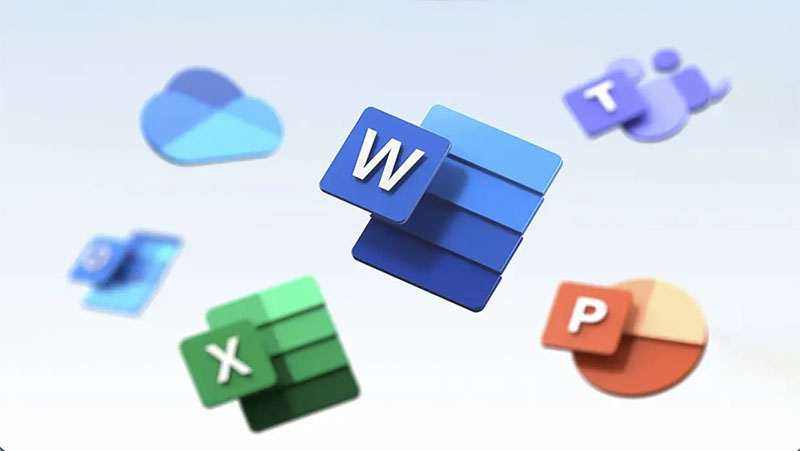
What’s Included in Office 2024 Standard
Word 2024
Create, edit, and review professional documents faster with a modern interface and powerful formatting tools.
Word 2024 is ideal for reports, contracts, resumes, and everyday writing — with optional collaboration features.
- Advanced editing & formatting: styles, templates, layout tools for clean documents.
- Review tools: Track Changes, comments, and improved proofreading workflows.
- Export & share: reliable PDF export and easy sharing when needed.
- Optional collaboration: co-authoring and cloud features when signed in (not required).
- Offline-friendly: works locally after activation — no subscription.
Excel 2024
Analyze and visualize data with a refreshed interface, powerful formulas, and collaboration features.
Work faster with modern functions and tools designed for real-world analysis and reporting.
- New formulas & functions: TEXTSPLIT, TEXTBEFORE/TEXTAFTER, VSTACK/HSTACK, plus REGEX functions (REGEXTEST, REGEXEXTRACT, REGEXREPLACE).
- Dynamic arrays & smarter charts: build flexible models that update automatically.
- Improved collaboration: work together with modern sharing options (not required).
- Refined interface (incl. dark mode): more comfortable and consistent UI.
- Insight-oriented templates: quicker analysis and better decision-making workflows.
PowerPoint 2024
Build polished presentations faster with improved animations, transitions, and commenting.
Collaborate with teammates, incorporate feedback, and deliver more engaging slide decks.
- Dynamic content options: create more interactive presentations.
- Advanced animation tools: improved controls for better storytelling.
- Collaboration: threaded comments and stronger revision workflows.
- Security & privacy controls: better protection for business environments.
Outlook 2024
Manage email, calendar, contacts, and tasks with improved search, organization tools, and productivity features.
Outlook 2024 also supports Translator and a search bar positioned at the top for faster access.
- Automatic online meeting links: when a supported provider is configured.
- Enhanced search: improved visibility and search across multiple accounts/folders.
- Smarter organization: better inbox control and integrated task workflows.
- Productivity features: calendar, tasks, and contact management in one place.
System Requirements
- OS: Windows 10 or Windows 11
- Processor: 1.6 GHz or faster, 2-core
- RAM: 4 GB (64-bit)
- Disk space: 4 GB available
- Internet: required for download & activation only
Updates & Support
How Office 2024 updates work: Office 2024 receives security and quality updates through Microsoft’s regular update channels
(typically via Windows Update / Microsoft Update).
- After activation, Office can update automatically (recommended) if Windows Updates are enabled.
- You can also manually check updates inside Office: File → Account → Update Options → Update Now.
- Updates improve security and stability — they do not turn your license into a subscription.
- Major new versions (future Office releases) are separate products and are optional.
Need help with activation or updates? Contact our support team — we’ll guide you step-by-step.
Office 2024 vs Microsoft 365 (Quick Comparison)
Common Questions About Your Office 2024 Standard Purchase
Pricing & Legitimacy
Is the price final? Is sales tax included?
Yes — the price shown is final and includes all taxes.
How can you sell software at such a low price?
We work with our supplier and purchase in volume to secure lower rates, then pass savings to customers.
Is your software legitimate?
Yes. Our products are legitimate and covered by our hassle-free money-back guarantee.
Can I verify the key through Microsoft’s WGA?
Yes — the key should pass WGA validation.
Is this a trial key? Will it expire?
No — it’s a lifetime key and does not expire.
Are these keys region-specific?
No — the keys work worldwide.
Can I contact Microsoft support later?
Yes — you can also use Microsoft support resources.
Activation & Microsoft Account
Do I need a Microsoft account?
No — a Microsoft account is not required to activate or use Office 2024. You can skip sign-in and use Office offline.
Will Office ask me to sign in?
You may see a Microsoft account prompt on first launch. Simply choose “Skip” or “Continue without signing in”.
Is this Microsoft 365?
No. This is a standalone Office 2024 lifetime license — not a subscription.
Digital Download
What is a digital download?
It’s an electronic delivery. No physical disc is included — you receive download information and a key.
How does it work?
Step 1: Choose a product. Step 2: Add to cart. Step 3: Checkout. Step 4: Receive your key + download instructions by email.
Need to reinstall later?
No problem — you can download it again anytime.
Can I use the key after formatting the same computer?
Yes — you can activate again on the same device.
Can I order a DVD/CD?
No — we sell digital activation keys only.
Reinstall & Device Changes
Can I reinstall Office later?
Yes — you can reinstall Office on the same computer if you format or reinstall Windows.
Can I move the license to another PC?
This license is intended for use on the originally activated device(s). If you experience issues, our support team will help.
Delivery & Refunds
When will I receive my order?
After successful payment, you can access it from the confirmation page, and it will also be emailed to you.
What if something goes wrong — can I get a refund?
Our support team will try to resolve issues quickly. Refunds follow our Refund Policy, and we aim to make sure you’re satisfied.
When will I receive my refund?
Refunds go to the original payment method. Card refunds are typically sent to the card-issuing bank within 7–10 business days,
and may take additional time to appear on your statement.
I can’t activate my product. What should I do?
Please contact our support team first — most activation issues are resolved quickly.
If possible, avoid opening a PayPal case before we have a chance to help.
Ready to own Office — without subscriptions?
Get Office 2024 Standard for Windows with a lifetime license, official Microsoft download links,
and step-by-step activation support from our team.