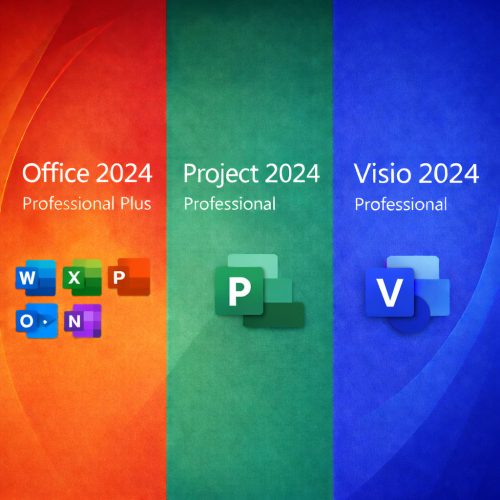
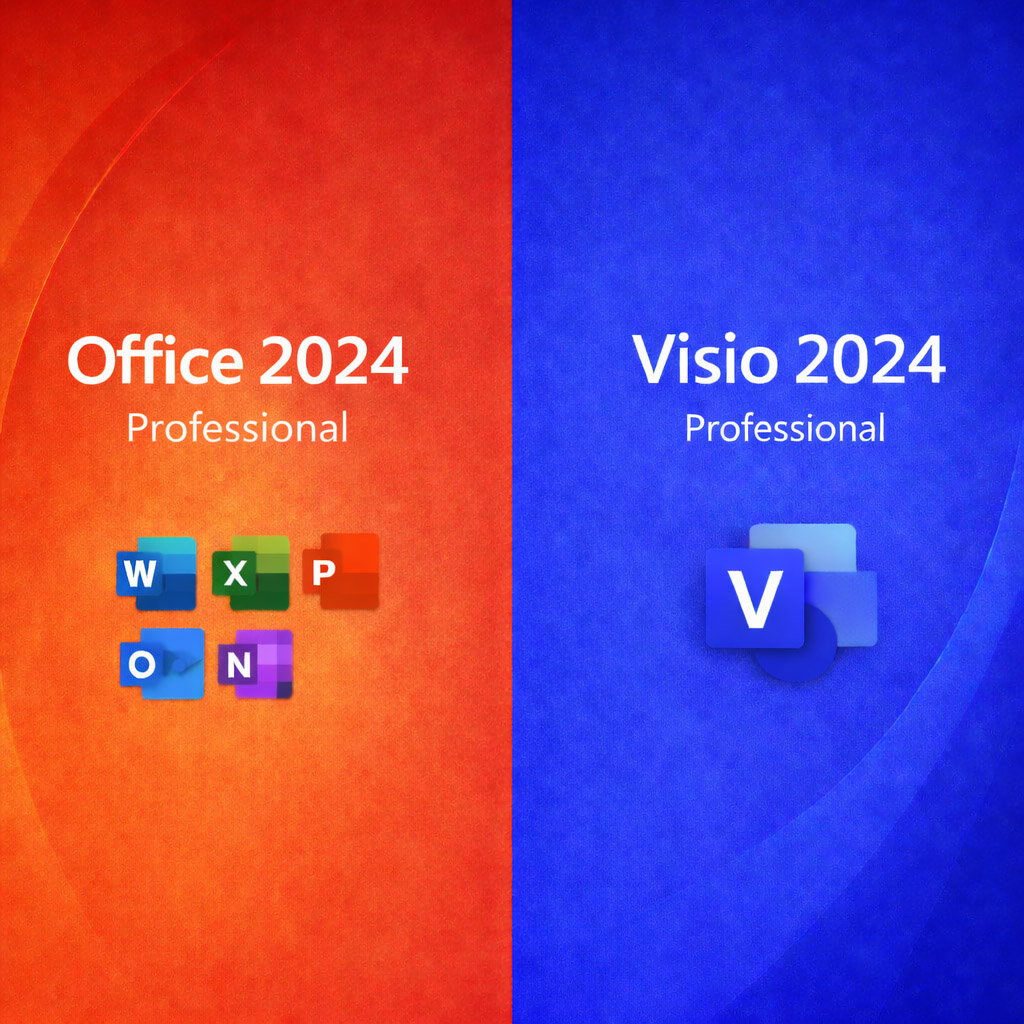
Microsoft Office 2024 Professional + Microsoft Visio 2024 — Lifetime License Keys (1 PC)
Looking for Office 2024 for macOS? Get the Mac version here:
Office 2024 for Mac.
Check Before You Buy
- Previous Office/Visio: Uninstall older versions and trials (including Microsoft 365) to avoid conflicts.
- OS Compatibility: Windows 10 or Windows 11 only (Not for Chromebook/Mac).
- Activation: Keys are intended for activation on 1 Windows PC.
- One device rule: Best practice — keep only one Office generation installed at a time.
By purchasing through DigitalKeysBox, you receive a product key, an installation guarantee, and step-by-step instructions to download, install, and activate. If anything goes wrong, our support team will help you complete setup.
- Pay once, use forever: Lifetime activation keys for 1 PC.
- Windows 10 / Windows 11 (not for Chromebook).
- Instant delivery of key(s) and instructions after successful payment.
- Official Microsoft download sources are used whenever available (authentic installers).
- One-time purchase — not a subscription.

Who Is This For?
- Home & student users who need Office on one main Windows PC.
- Professionals who prefer offline apps over subscriptions.
- Small businesses with one workstation that needs Office + diagramming.
- Upgraders moving from Office 2016/2019/2021.
What This Is NOT
- Not Microsoft 365: no recurring billing.
- Not a trial: no expiration after activation.
- Not for Chromebook and not for macOS.
- Not cloud-only: works locally after activation.
If you see a Microsoft account sign-in prompt, you can usually choose Skip to use apps offline.
How It Works
1) Purchase
Complete checkout for Office + Visio.
2) Instant Delivery
Get key(s) and install steps by email.
3) Install
Install Office first, then Visio.
4) Activate
Activate each product on your PC.
Installation Guarantee: If you run into any activation or setup issues, contact us — we’ll help you get everything working.
Office 2024 Professional — What’s Included
Word 2024
Create and edit documents with modern tools and reliable PDF export.
- Advanced editing & layout tools.
- Track Changes & comments.
- Export to PDF with consistent formatting.
Excel 2024
Analyze data with modern formulas and cleaner reporting tools.
- TEXTSPLIT, VSTACK, HSTACK, REGEX functions.
- Dynamic arrays & smarter charts.
- Better performance on large files.
PowerPoint 2024
Build polished presentations with improved animations and workflow.
- Enhanced transitions and animation pane.
- Better collaboration & comments workflow.
- Clean export and presentation tools.
Outlook 2024
Manage email and calendar with improved search and organization.
- Enhanced search visibility.
- Better inbox organization.
- Calendar & meeting workflow improvements.
OneNote & Access 2024
- OneNote 2024: Notes, notebooks, and quick organization.
- Access 2024: Relational databases (Windows PC only).
Microsoft Visio 2024 — Diagramming Made Simple
What You Can Do with Visio 2024
Create professional diagrams for business processes, org charts, network maps, flowcharts, and more — with built-in templates, stencils, and a modern interface aligned with the Office 2024 look.
- Flowcharts, BPMN diagrams, timelines, org charts, and network diagrams.
- More shapes, templates, and stencils to speed up diagram creation.
- Improved search and navigation inside Visio.
- Modern UI with Dark Mode support and accessibility enhancements.
- Export options for sharing diagrams (PDF/image) and documentation workflows.
Tip: Install Office first, then install Visio. This helps avoid setup conflicts on some systems.
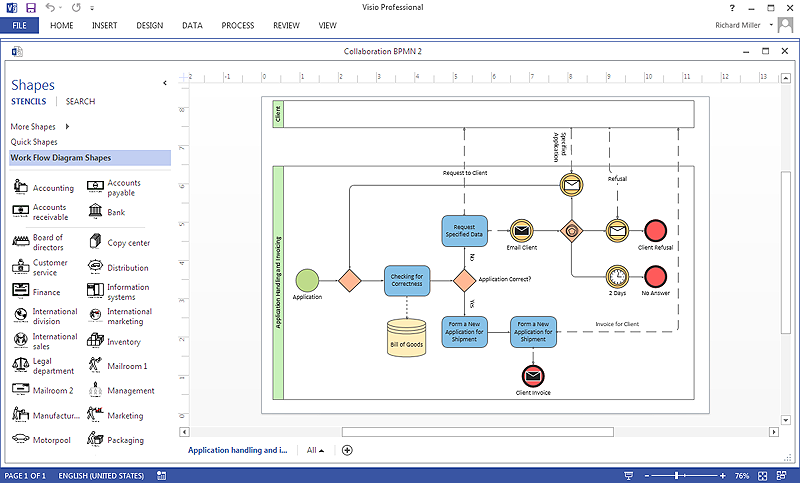
Example diagram preview (visual reference).
Installation Guarantee: Need help installing or activating Visio? Contact support — we’ll guide you step-by-step.
DigitalKeysBox: Frequently Asked Questions
Licensing & Compatibility
Is this a Microsoft 365 subscription?
No. These are standalone lifetime licenses — no monthly or yearly fees.
Can I use the licenses on more than one PC?
This product is intended for activation on 1 Windows PC.
Will it work on Windows 10 and Windows 11?
Yes. Office 2024 and Visio 2024 are compatible with Windows 10 and Windows 11.
Is this compatible with macOS or Chromebook?
No. This page is for Windows only. For macOS, use the link at the top.
Installation & Activation
Do I need a Microsoft account?
Usually no — you can skip sign-in and use apps offline after activation.
Can I reinstall after Windows reset?
Yes. If you reinstall on the same PC, we will help you complete activation.
What if I get an activation error?
Contact support with a screenshot of the error — we’ll provide the fastest solution.
Delivery & Support
How does digital delivery work?
After purchase, you receive your key(s) and step-by-step instructions by email within minutes.
What payment methods do you accept?
PayPal and major credit/debit cards.
Can I contact support if I have questions?
Yes — our support team can assist with installation and activation.
Ready to use Office + Visio — without subscriptions?
Get Office 2024 Professional + Visio 2024 (1 PC) with lifetime licenses and our installation guarantee.
Money-back guarantee • Real human support • Secure checkout