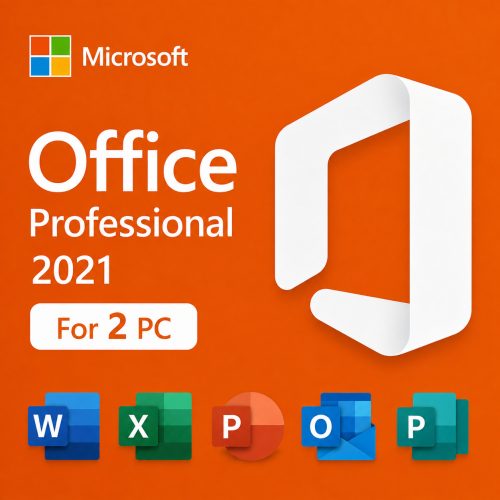
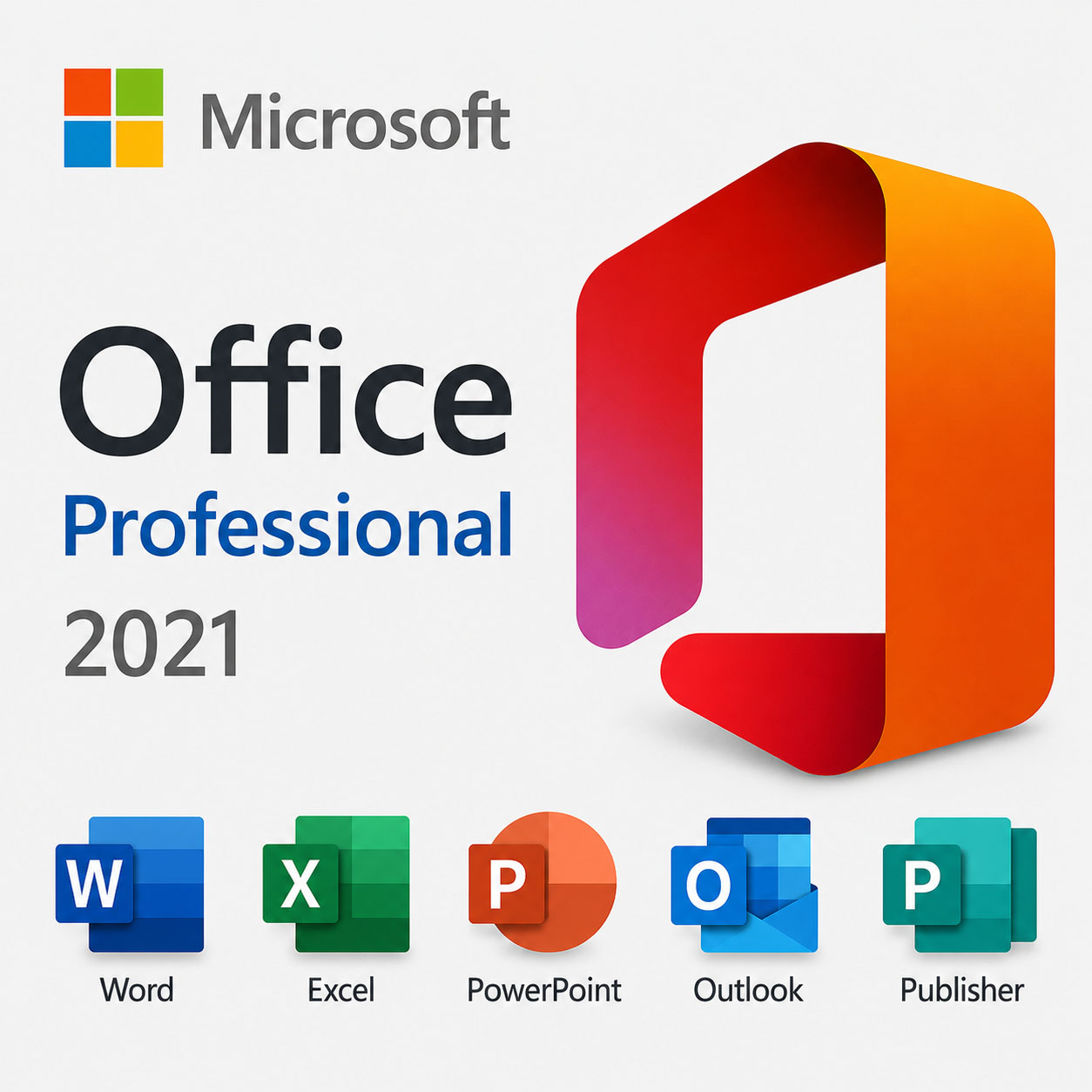
Office 2021 Professional Plus — Lifetime License Key (1 PC)
Includes Microsoft Publisher 2021. Publisher is not part of Office 2024 — if you need it for flyers, brochures or newsletters, Office 2021 Professional Plus is the right choice.
Looking for Office 2021 for macOS? Get the Mac version here: Office 2021 for Mac.
Check Before You Buy
- Windows only: compatible with Windows 10 and Windows 11. Not for Mac or Chromebook.
- Previous Office: uninstall Microsoft 365 trials or older Office versions before installation to avoid conflicts.
- Publisher included: this edition includes Publisher 2021 and Access 2021.
- One-time purchase: lifetime license for 1 PC, not a subscription.
Who Is Office 2021 Professional Plus For?
- Users who need Publisher for flyers, brochures and printed materials.
- Small businesses that want classic Office apps without subscription costs.
- Students and home users who prefer a permanent license.
- Offline-first users who want local desktop applications.
- Users upgrading from Office 2016 or Office 2019.
What This Is NOT
- Not Microsoft 365 — no subscriptions or recurring billing.
- Not a trial — this license does not expire.
- Not Office 2024 — this is Office 2021 Professional Plus (with Publisher).
- Not for macOS or Chromebook — use the Mac version linked above.
How It Works
- Purchase — choose Office 2021 Professional Plus and check out.
- Instant delivery — receive your product key and activation instructions by email.
- Redeem — activate through Microsoft’s official setup portal.
- Install — download, install and start using Office 2021.
How to Activate Office 2021 Professional Plus
Important: this Office 2021 key should be redeemed through Microsoft’s official activation portal: setup.office.com.
- Go to setup.office.com.
- Sign in with your Microsoft account.
- Enter your 25-digit Office 2021 product key.
- Confirm the product and link it to your Microsoft account.
- Download Office directly from your Microsoft account.
- Install Office on your Windows PC.
- Open Word, Excel, Publisher or another Office app and complete activation if prompted.
Please uninstall Microsoft 365, Office trials or older Office versions before installation to avoid conflicts.
What’s Included
Publisher 2021
Create brochures, flyers, newsletters, business cards, catalogs and other print-ready marketing materials. Included in Office 2021 Professional Plus (not available in Office 2024).
Word 2021
Professional documents, reports, letters and resumes with advanced editing, reviewing and reliable PDF export.
Excel 2021
Analyze data, build budgets and manage spreadsheets with formulas, charts and tables.
PowerPoint 2021
Create presentations with modern layouts, transitions, animations and multimedia support.
Outlook 2021
Manage email, calendar, contacts and tasks in one familiar app.
OneNote & Access 2021
Keep notes, ideas and project materials in OneNote, and build and manage databases with Access 2021.
Office 2021 Professional Plus: Frequently Asked Questions
Features & Compatibility
Does Office 2021 Professional Plus include Publisher?
Yes. Publisher 2021 and Access 2021 are both included.
Why choose Office 2021 instead of Office 2024?
Office 2024 does not include Publisher. If you need Publisher, Office 2021 Professional Plus is the better fit.
Does this work on Windows 10 and Windows 11?
Yes, both are fully supported.
Does this work on Mac?
No. This is the Windows edition. Use the dedicated Mac version linked above.
Licensing & Activation
Is this a Microsoft 365 subscription?
No. This is a one-time purchase with a lifetime license — no monthly or yearly fees.
Where do I activate the product key?
Through Microsoft’s official portal at setup.office.com, linked to your Microsoft account.
Do I need a Microsoft account?
Yes, the key is redeemed and linked through your Microsoft account.
Can I reinstall Office later?
Yes. Re-download from your Microsoft account and the license remains active.
Delivery & Support
How will I receive my order?
Instantly by email — your product key and activation instructions arrive within 15–30 minutes of payment.
What if activation does not work?
Contact our support team and we’ll help you complete activation, with fast refunds or replacements if needed.
Should I open a PayPal case if I have a problem?
Please contact us first — reaching out is almost always faster than opening a case, and we’ll make it right right away.
Own Office 2021 — Publisher included, no subscription
One-time purchase. Lifetime activation. Genuine license with instant delivery and real human support.