Office 2024 Professional + Project Professional 2024 + The Complete User Guide
Two separate product keys, one for Office 2024 Professional and one for Project Professional 2024, plus our own 170-page guide. The keys are independent: activate both on the same PC, or put them on two different computers. Everything is delivered together, within minutes.
Check Before You Buy
- Windows only: for Windows 10 and Windows 11. Not for Mac or Chromebook.
- Separate keys: 2 keys, one per product, each activated with its own steps.
- Previous Office: uninstall Microsoft 365 trials or older versions before installation.
- One-time purchase: lifetime licenses, not subscriptions.
- The guide is a PDF: delivered as a download link with your keys, not a printed book. It covers the Office suite, not Project.
The Guide: 170 Pages, Written By Us
Most people acquire Office, use about a fifth of it, and spend years doing by hand the four fifths it would have done for them. The help built into Office answers the question you already knew how to ask, and answers nothing else. So we wrote the book that does.
Three working files are included too: a Word template with the heading styles and numbering already set up, a PowerPoint template with seven named layouts, and an Excel workbook with every formula from Part III live and editable. All macro-free.
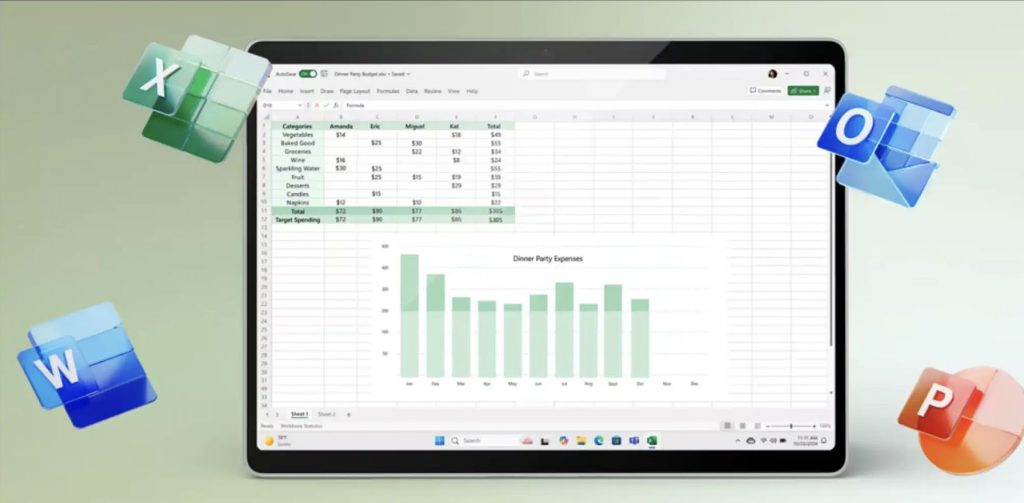
The Excel section is the one that matters most here. If you run projects, the reporting you do around Project happens in Excel and Word: budget sheets, status tables, one-page summaries for people who will never open a Gantt chart. Part III is what makes those stop taking a whole afternoon.
Read two full chapters free before you decide: installation with all the error codes, and the chapter on styles that the rest of the Word section depends on. Download the sample (PDF).
What’s Included
Three things: the Professional suite (Word, Excel, PowerPoint, Outlook, OneNote and Access 2024), Project Professional 2024, and the 170-page guide with its three companion files. (Publisher is no longer part of Office 2024.)
Project Professional 2024: What It Actually Does
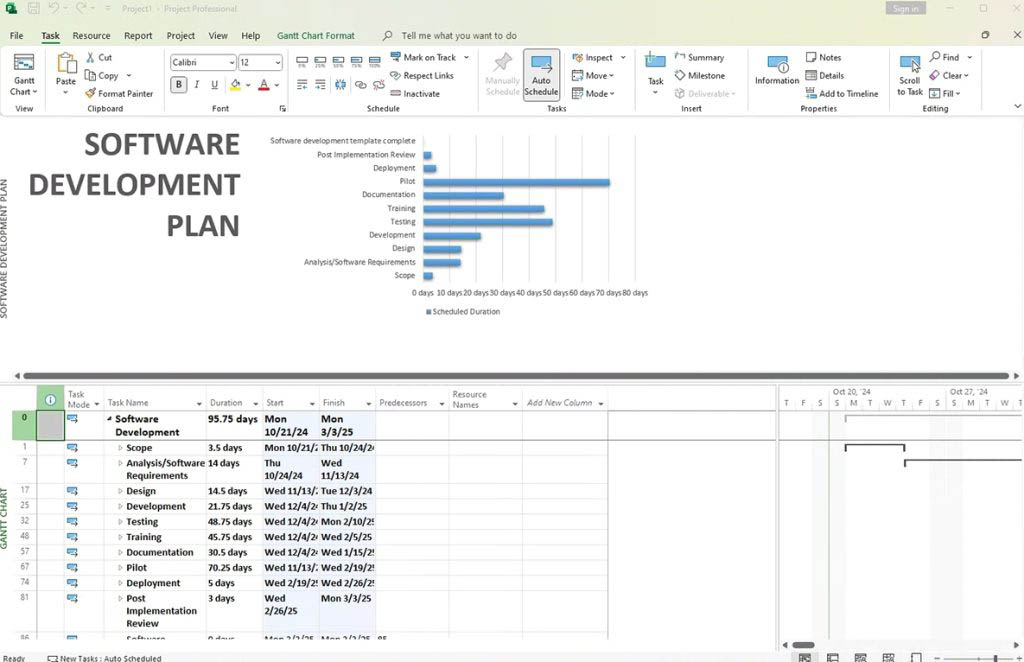
A spreadsheet of tasks tells you what needs doing. It does not tell you what happens to the finish date when task 14 slips by three days, or which person is booked twice next Thursday. That is the whole difference, and it is why people move to Project once a plan gets past about thirty tasks.
It works with the rest of the suite: paste a Timeline into PowerPoint, push task and cost data into Excel for your own analysis, and pull the status write-up together in Word. That is exactly the workflow the guide’s Excel, Word and PowerPoint chapters cover.
Who Is This Bundle For?
- Project managers and coordinators who need the full Office suite and a real scheduling tool, without a subscription.
- Small firms running client work where dates, people and budget all have to hold together in one plan.
- Engineers, builders and consultants who have outgrown a task list in Excel.
- Anyone buying Office anyway who would rather not spend the first evening working out where things are.
- Students and career switchers learning project management on the software the job will ask for.
- Users who need Access (the database app) alongside the core apps.
What This Is NOT
- Not Microsoft 365, no subscriptions and no recurring billing.
- Not a trial, these licenses do not expire.
- Not Project Online or Project for the web, this is the desktop application. Features that sync to a Project Server or a cloud plan need a separate subscription from Microsoft.
- The guide is not from Microsoft, it is an independent publication by DigitalKeysBox, not affiliated with Microsoft Corporation, and it covers the Office suite rather than Project.
- Office 2024 does not include Publisher, Microsoft ended its support.
- Not for macOS or Chromebook, these are Windows licences. Project has never had a Mac version.
How It Works
- Purchase, choose this bundle and check out.
- Instant delivery, both product keys and your download link for the guide arrive by email within minutes.
- Install Office 2024 first, then install Project Professional 2024. Chapter 4 of the guide covers the Office side in detail, and full step-by-step instructions for both products are in your delivery email.
- Activate each product with its own key. In Word: “Change your product key”, or File then Account then Change product key. Project is activated the same way from inside Project.
- Read Chapter 8 when everything is running and you have an hour. It is the one that pays for itself first.
Office 2024 Professional + Project + Guide: Frequently Asked Questions
Keys & Activation
Is this one key or several?
Two separate product keys, one for Office 2024 Professional and one for Project Professional 2024. Each is activated separately with its own steps.
Can I install the products on different computers?
Yes. The keys are independent, so you can put Office on one PC and Project on another.
Do I have to install Office before Project?
It is the order we recommend, because it avoids the most common installer conflicts. If Project is already installed, it will keep working.
Can I reinstall later?
Yes, reactivate on the same device with your keys. Keep the delivery email.
Project 2024
What is the difference between Project Professional and Project Standard?
Professional adds the things you need once you are running more than one plan: a shared resource pool, master schedules that consolidate several projects, team planning, and synchronisation with Project Server or Project Online for organisations that use it.
Do I need a Microsoft 365 subscription to use it?
No. This is the desktop application with a perpetual licence. Only the server and cloud synchronisation features would require a separate Microsoft subscription, and nothing else depends on them.
Can I open .mpp files from an older version?
Yes. Project 2024 opens files from earlier versions and saves in the current format.
Does the guide cover Project?
No, and we would rather say so plainly. The 170 pages are Word, Excel, PowerPoint and Outlook. Project comes with its own step-by-step installation and activation instructions in your delivery email, and our support desk answers Project questions like any other.
The Guide
Is the guide from Microsoft?
No. We wrote it ourselves, from the questions our own support desk is asked every week. It is an independent educational publication and is not affiliated with Microsoft Corporation.
How is it delivered?
As a PDF download link, alongside your product keys, within minutes of your order. Your copy is prepared for you and carries your order details.
Can I see it before buying?
Yes. Two complete chapters are free, with nothing cut inside them: download the sample.
What are the three companion files?
A Word template with heading styles and automatic numbering already set up, a PowerPoint template with seven named layouts, and an Excel workbook where every formula from the Excel section is live and editable. All macro-free.
Can I print it?
Yes. Printing is enabled and the layout is built for A4.
Pricing & Authenticity
Is the price final? Hidden fees?
The price is final and includes all taxes.
How can you offer it so cheaply?
We buy in volume directly from our supplier and pass the savings on. The guide costs us nothing to include, because we wrote it.
Is it genuine and permanent?
Yes, genuine licences with lifetime activation that do not expire, and they work worldwide.
Features & Compatibility
Difference between Office 2024 and 2021?
Office 2024 is the newer perpetual release with updated apps. Microsoft has ended support for Publisher, so it is no longer part of Office 2024. If you need Publisher, choose Office 2021 Professional.
What is the difference vs Office Standard?
Professional adds Access (the database app) on top of the Standard apps.
Does it work on Windows 10?
Yes, on Windows 10 and 11.
Does it include Copilot AI?
No. Copilot is a Microsoft 365 feature, not part of perpetual Office 2024. The guide says so too, and explains what you have instead.
Delivery & Support
How does delivery work?
Instantly by email after payment: both keys, your download link and the guide. Digital only, no disc.
Can I contact support?
Yes. Reach out before opening a dispute and we’ll resolve it fast, with refunds or replacements if needed.
The full suite, the scheduling tool, and the guide that comes with them
Two genuine keys, one-time purchase, lifetime activation. Instant delivery, real human support, and 170 pages written by the people who sell it to you.