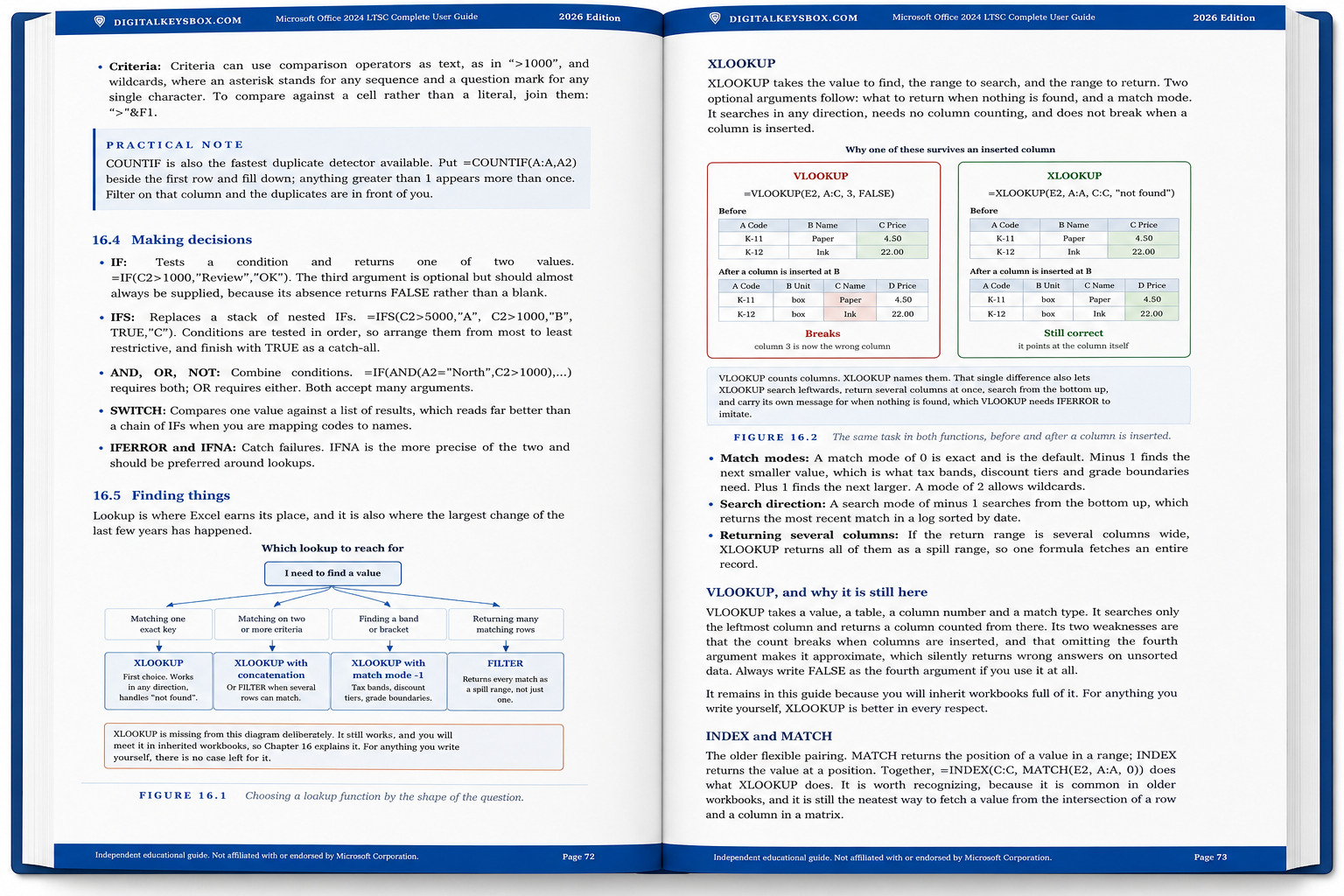
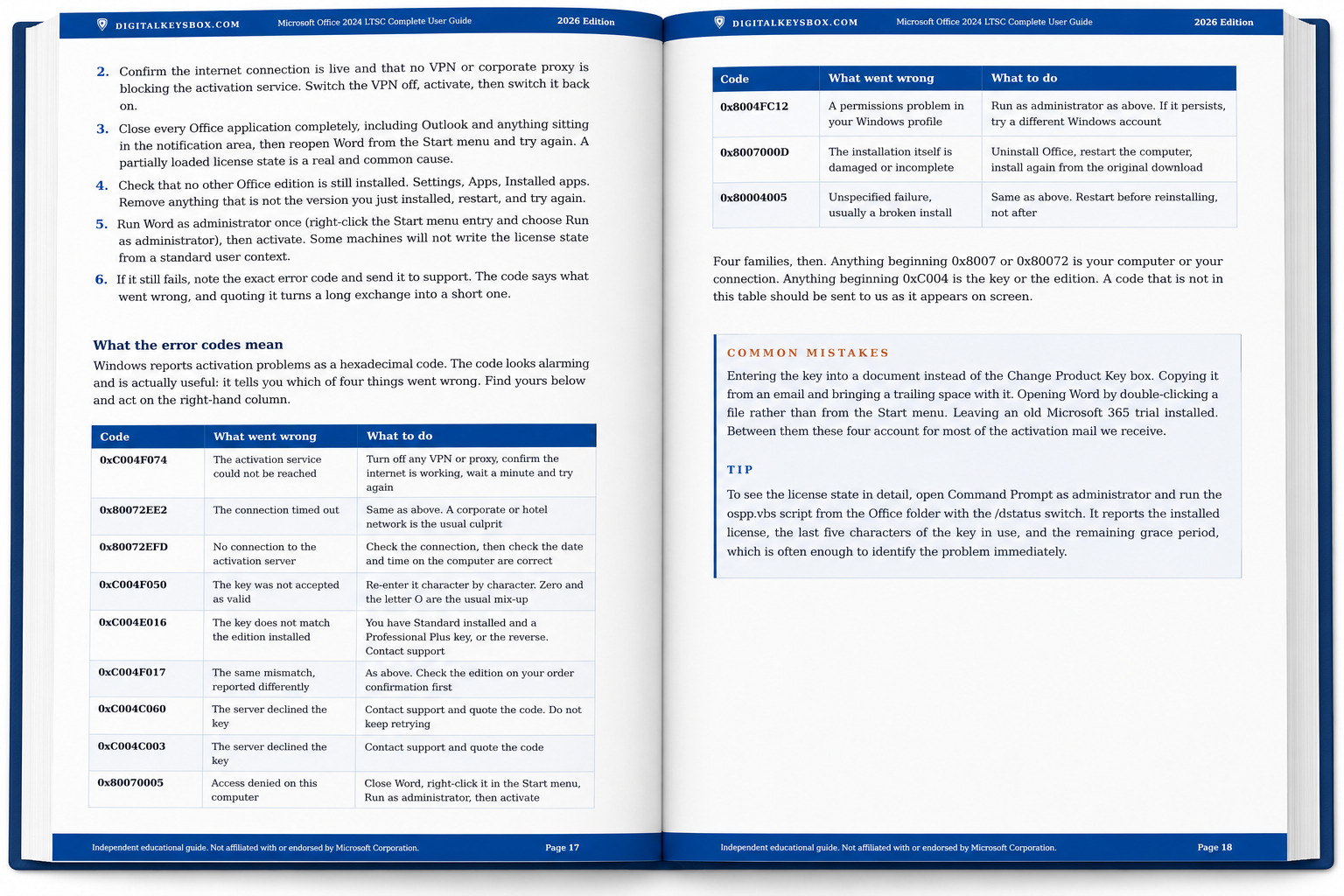
Microsoft Office 2024 for Mac + The Complete User Guide, Lifetime License

Runs natively on Apple Silicon. Optimized for M-series Macs (including the latest M5) as well as Intel Macs, with fast native performance.
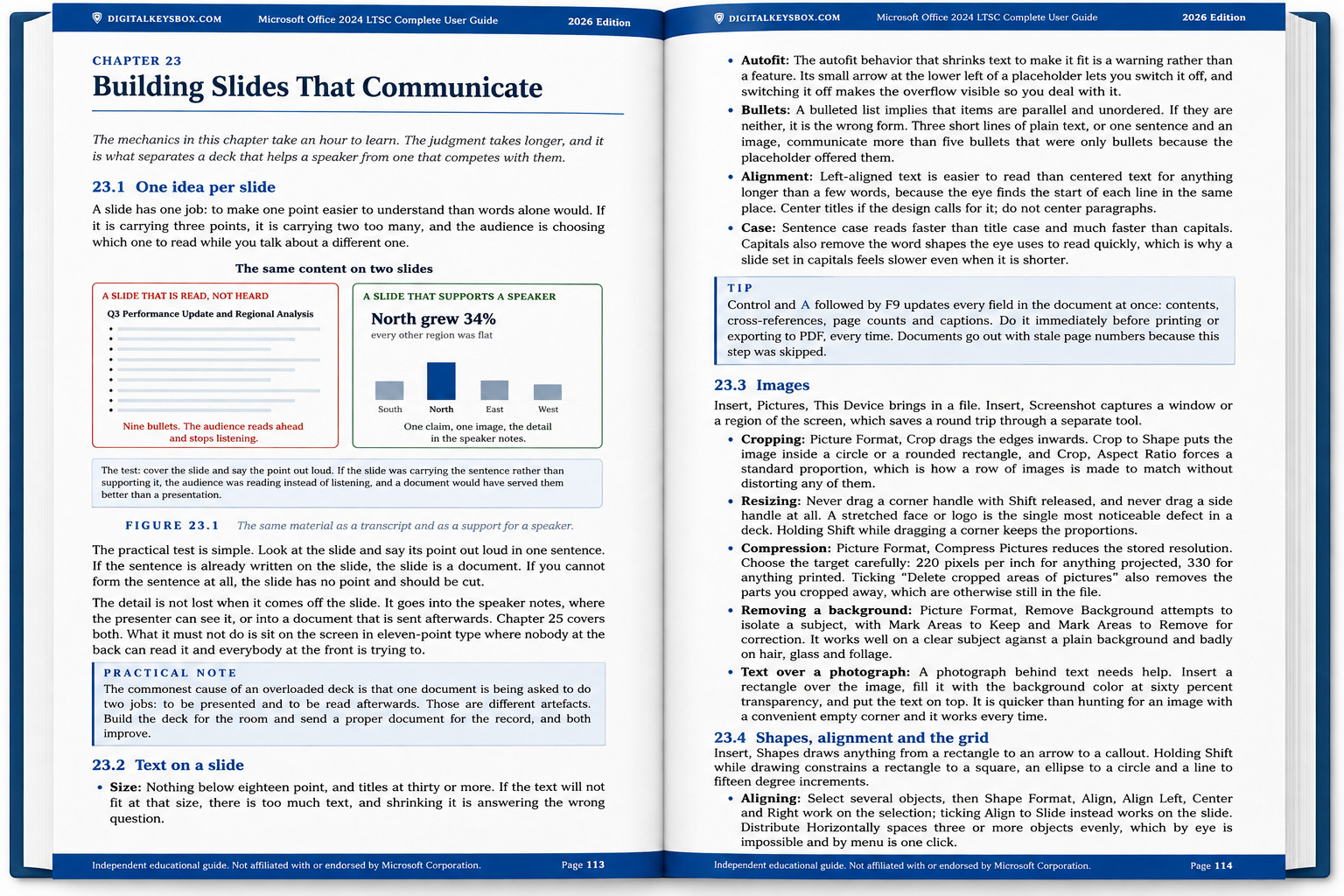
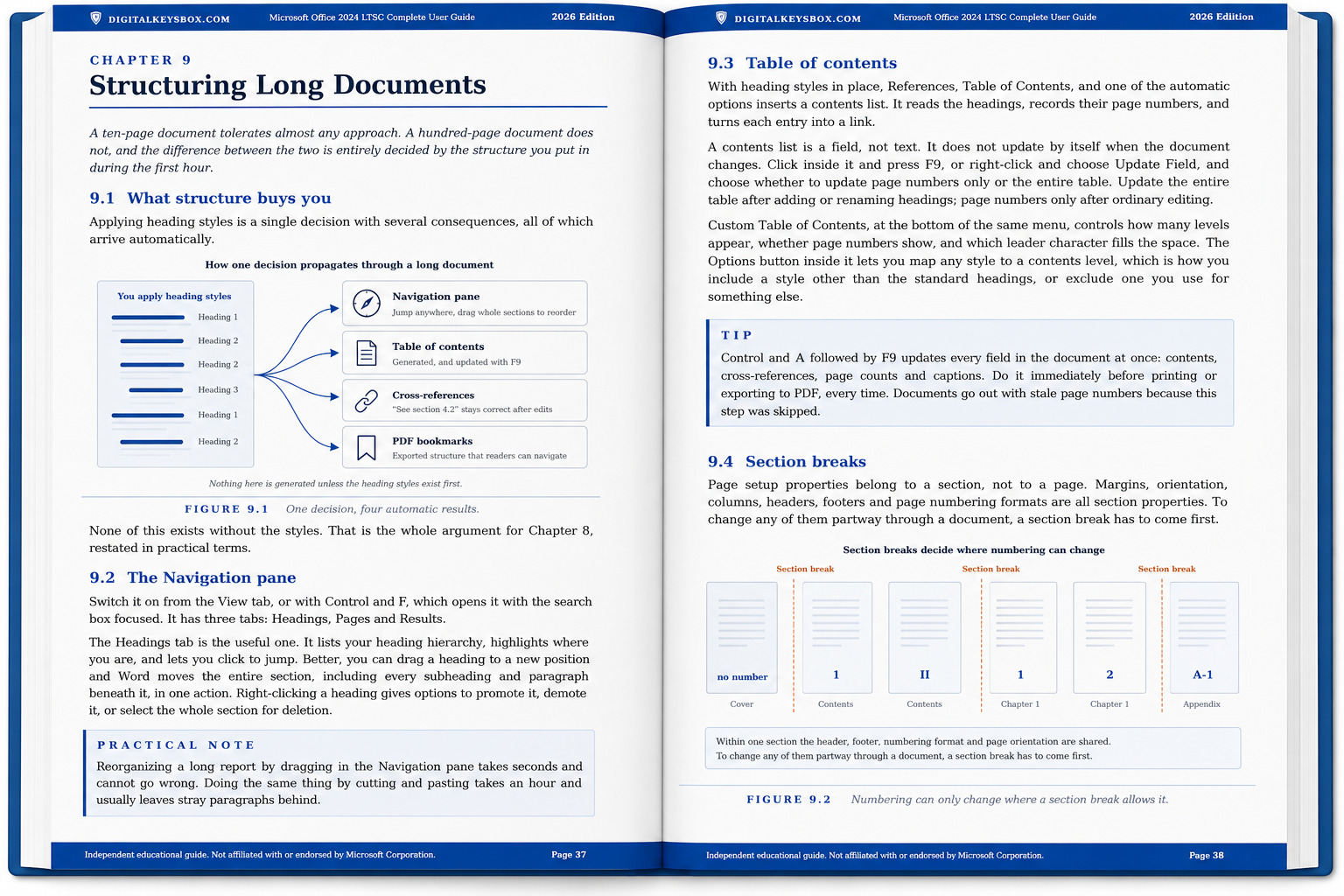
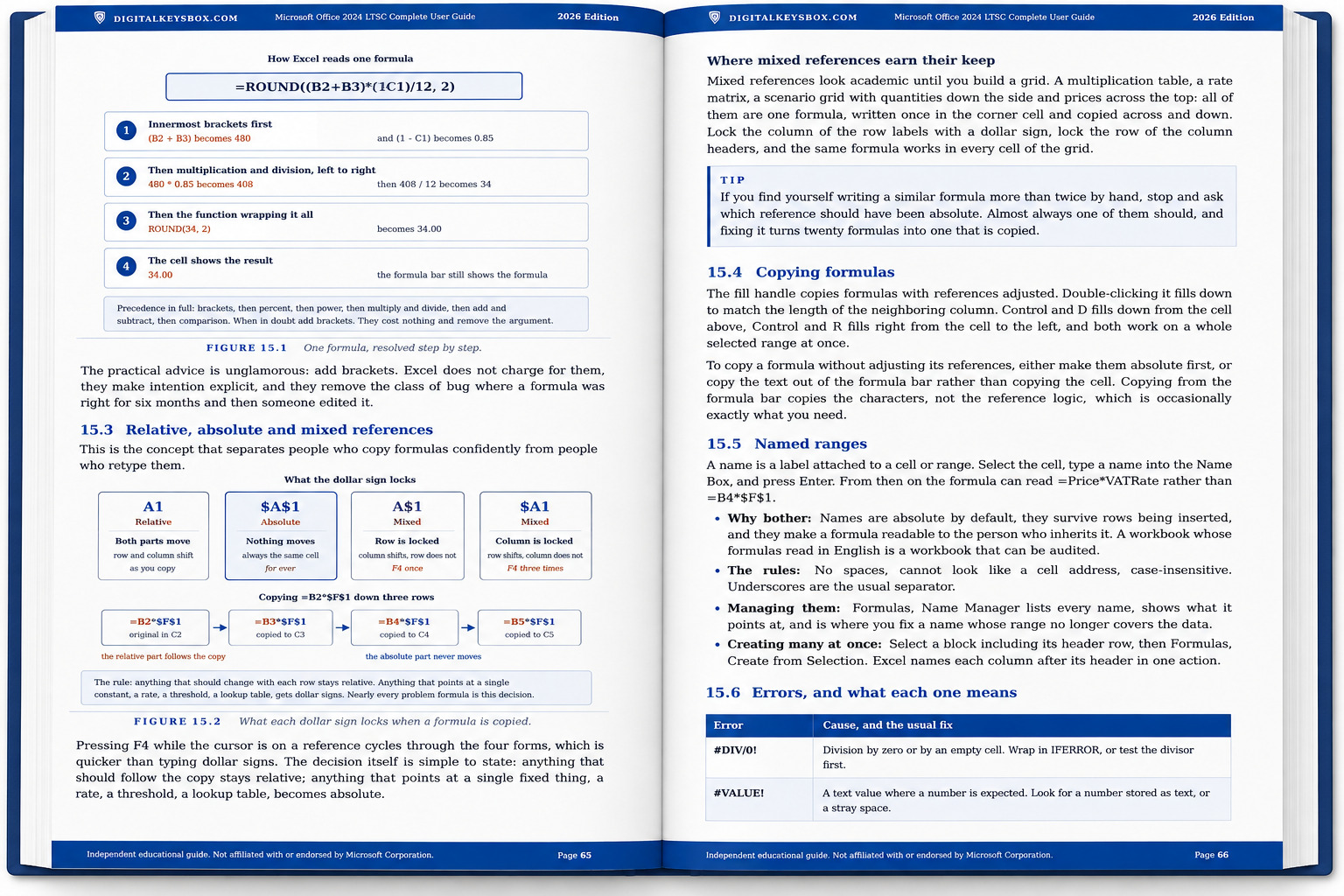
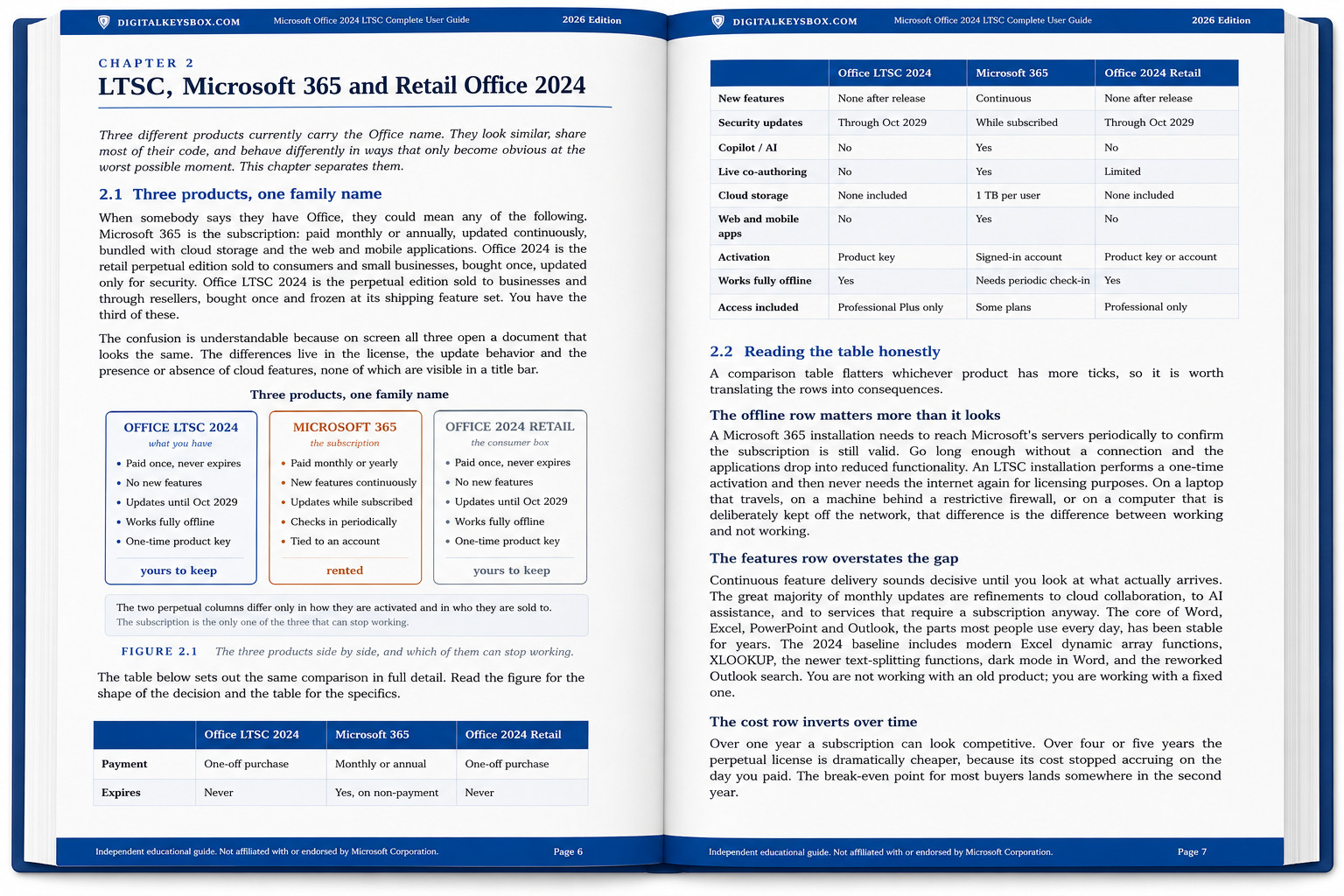
The same lifetime Office 2024 for Mac license we sell on its own, with our own 139-page guide included. Almost every Office instruction on the internet was written for Windows. This one was written for the Mac.
Need the Windows version? Office 2024 for Windows + Guide.
Check Before You Buy
- Mac only: runs natively on Apple Silicon (M-series, including M5) and Intel Macs. One installer covers both.
- macOS: macOS 13 Ventura, 14 Sonoma, 15 Sequoia and 26 Tahoe. On macOS 12 Monterey or earlier, message us before ordering and we will send the build that runs on it.
- No product key to type: Office for Mac is licensed with a file. You open it, it activates. Nothing to enter by hand.
- Previous Office: remove Microsoft 365 trials or older Office licenses first. The link to Microsoft’s removal tool comes with your order.
- Activates on up to 1 Mac. One-time purchase, lifetime license, not a subscription.
- The guide is a PDF: delivered as a download link with your license, not a printed book.
The Guide: 130 Pages, Written For The Mac
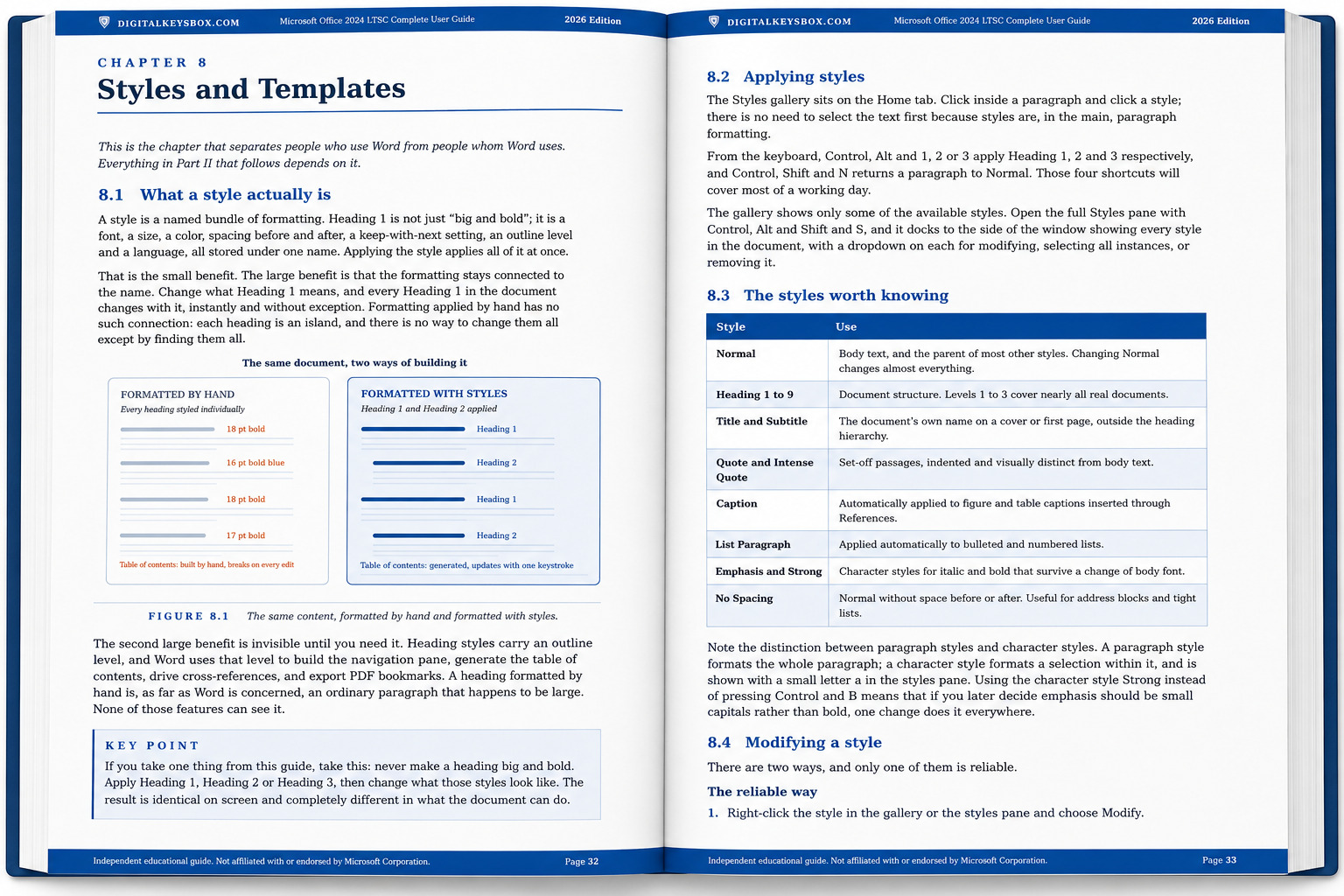
Office on macOS is not Office on Windows with different window controls. The menu bar sits at the top of the screen, Preferences replaces Options, Command replaces Control, every keyboard shortcut is different, and several features simply are not there. Search for help and you get Windows answers describing buttons your Mac does not have. So we wrote the book that does not do that.
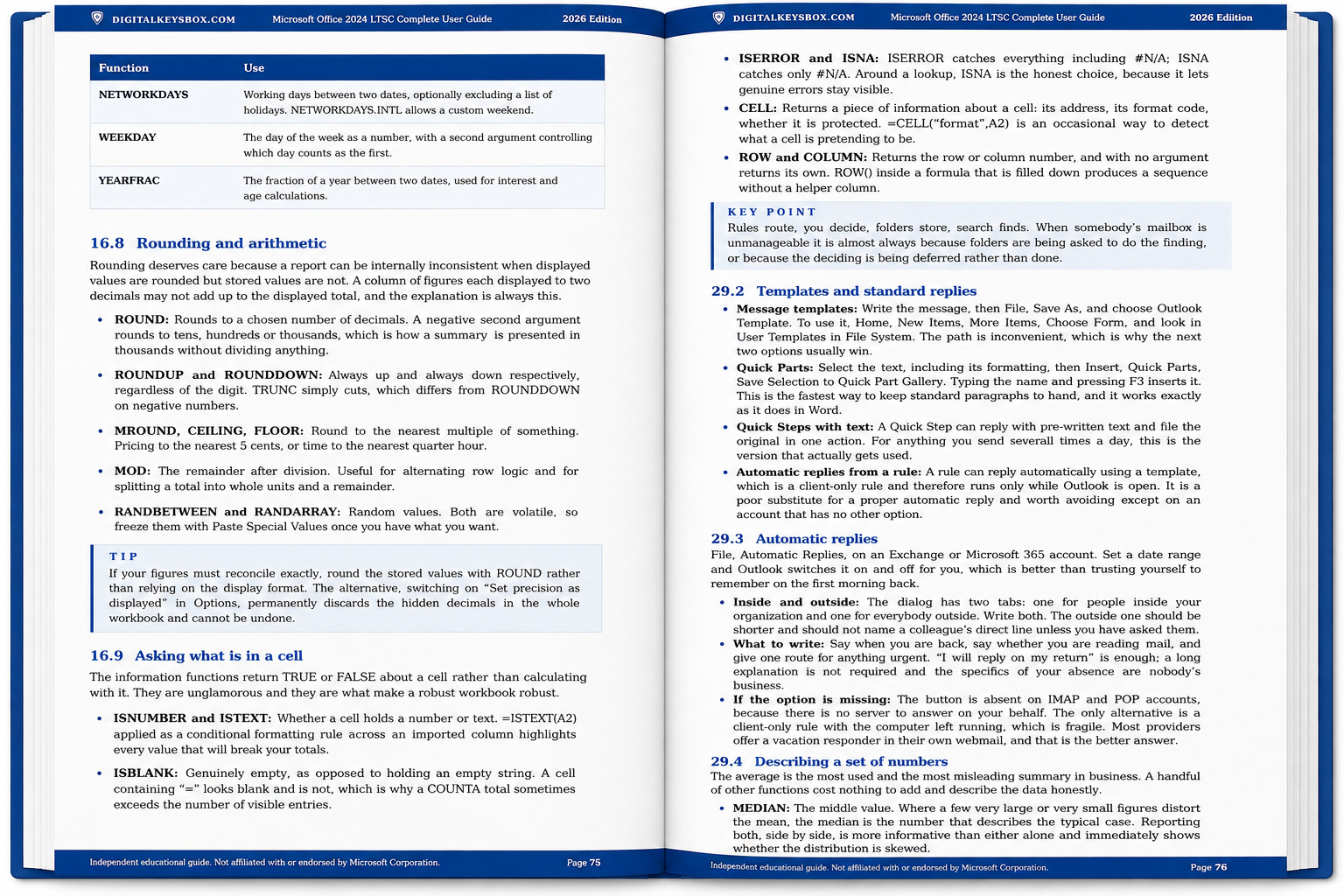
Six Mac appendices cover what nobody writes down: how to tell which Office and which macOS you actually have, the seven macOS permissions Office needs and what breaks without each, how updates reach a perpetual license, what travels cleanly to a Windows colleague and what does not, how to uninstall properly without losing your mail, and why iCloud Drive sometimes makes a file that is plainly there impossible to open.
It also says what the Mac version does not do. Flash Fill, Power Pivot, AutoArchive, font embedding in PowerPoint, PST files in Outlook. Each is named where it comes up, with what to use instead.
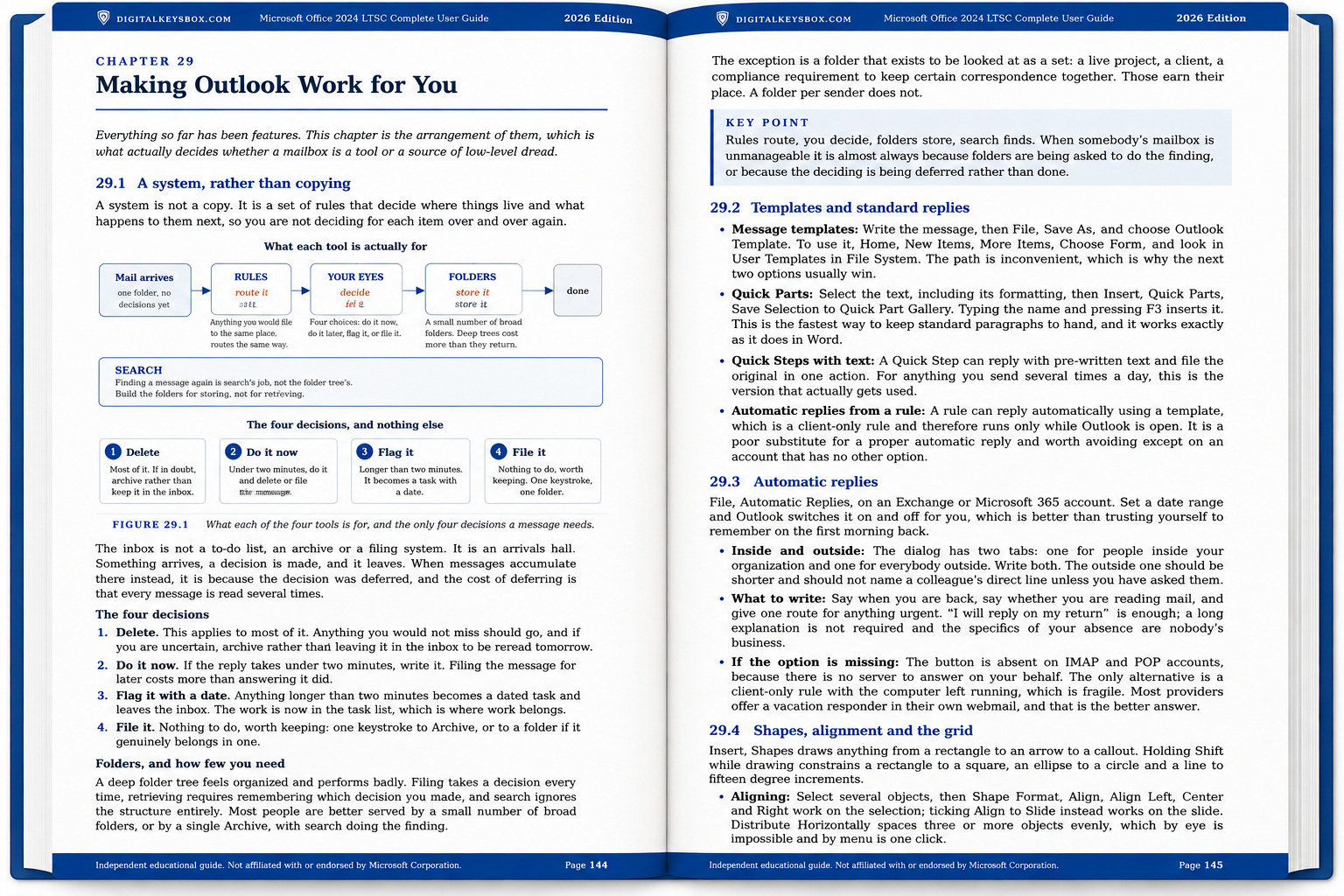
No screenshots of Microsoft software anywhere in it. Every illustration was drawn for this book, so nothing goes stale when a dialog is redesigned.
Read two full sections free before you decide: installation and licensing on macOS, and the appendix on identifying exactly which Office and which macOS you have. Download the sample (PDF).
What’s Included
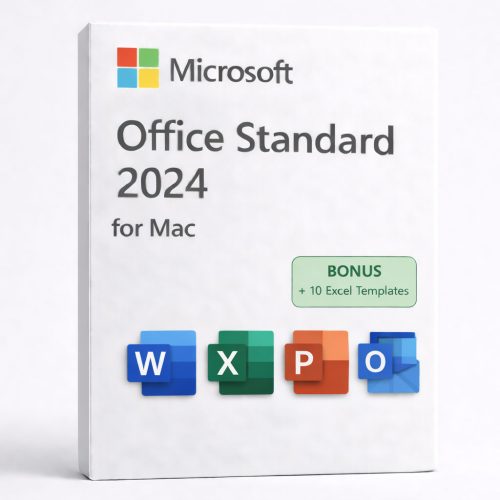
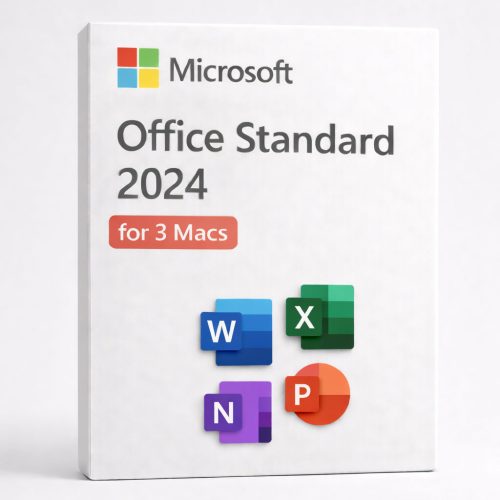
Word, Excel, PowerPoint, Outlook and OneNote 2024, plus the 139-page guide.

Also included: OneNote 2024, and your own personal copy of the guide, prepared for your order.
Note: Access and Publisher are not included. Access has never existed for macOS, and Publisher is no longer part of Office 2024 on any platform.
Who Is This For?
- Mac and MacBook users who want the classic Office apps installed locally, and would rather not spend the first evening translating Windows instructions.
- People arriving from a PC who keep reaching for F4, Alt Enter and the File tab and finding none of them.
- Apple Silicon owners who need native, full-speed performance.
- Professionals and students who prefer a one-time purchase over a subscription.
- Anyone who works with Windows colleagues and needs files to survive the trip in both directions.
What This Is NOT
- Not Microsoft 365. No subscriptions or recurring billing.
- Not a trial. This license does not expire.
- The guide is not from Microsoft. It is an independent publication by DigitalKeysBox, not affiliated with Microsoft Corporation or Apple Inc.
- Does not include Access or Publisher. Anything advertised as Office for Mac with Access is describing a product that does not exist.
- Not for Windows or Chromebook. Use the Windows version linked above.
How It Works
- Purchase and instant delivery. Your license file and your download link for the guide arrive by email within minutes.
- Clear old licenses. If Office has ever been on this Mac, run Microsoft’s removal tool first. The link comes with your order.
- Download and install Office from Microsoft’s official installer.
- Activate. Open your license file and it applies itself. Confirm under the Word menu, then About Word.
- Reinstall anytime using the same file. Keep the link from your order email.
Office 2024 for Mac + Guide: Frequently Asked Questions
The Guide
Is the guide from Microsoft?
No. We wrote it ourselves, from the questions our own support desk is asked every week. It is an independent educational publication, not affiliated with Microsoft Corporation or Apple Inc.
Is it just the Windows guide with the word Mac added?
No. It was rewritten for macOS. Every shortcut is a Mac shortcut, the file paths are Mac paths, the activation chapter describes the license file rather than a product key dialog, and the features that are absent on the Mac are named where they come up rather than quietly left in.
How is it delivered?
As a PDF download link, alongside your license, within minutes of your order. Your copy is prepared for you and carries your order details.
Can I see it before buying?
Yes. Two complete sections are free, with nothing cut inside them: download the sample.
Can I print it?
Yes. Printing is enabled and the layout is built for A4.
Compatibility
Does it work on Apple Silicon (M-series, including M5)?
Yes. It runs natively on all Apple Silicon chips including the latest M5, as well as Intel Macs. One installer covers both.
Which macOS versions are supported?
macOS 13 Ventura, 14 Sonoma, 15 Sequoia and 26 Tahoe. If you are on macOS 12 Monterey or earlier, contact us before ordering and we will send the build that runs on your system.
Is this Standard or Professional?
On the Mac there is only one edition. The Professional Plus distinction exists on Windows because of Access, and Access does not exist for macOS. There is one installer and it is the right one.
Do my files work with Windows colleagues?
Yes. The file formats are identical in both directions, with no conversion. A short appendix in the guide covers the handful of exceptions, chiefly fonts, and what to do about each.
Does it include Copilot AI?
No. Copilot is a Microsoft 365 subscription service, not part of perpetual Office 2024 on either platform. The guide says so too, and explains what you have instead.
Does it work on Windows?
No. This is the Mac edition. Use the Windows bundle linked above.
Pricing & Authenticity
Is the price final? Is it genuine?
The price is final and includes all taxes. The license is genuine with lifetime activation that does not expire, and works worldwide.
How can you include a book at this price?
The guide costs us nothing to include, because we wrote it.
Delivery & Support
How does delivery work?
Instantly by email after payment: your license file and your guide download link. Digital only, no disc.
There is no product key. Is that right?
Yes. Office for Mac is licensed with a file rather than a typed key. You open the file, it applies your license, and you confirm it under the Word menu, then About Word. Chapter 4 of the guide covers it in four steps.
Can I reinstall later?
Yes. Keep the link from your order email and use the same file again. That is all a reinstall needs.
Word keeps asking me to sign in. What now?
That is a leftover license record from a previous install, and it is the most common thing we are asked. Section 4.6 of the guide walks through it in six steps, in order, and the first two usually solve it.
Can I contact support?
Yes. Reach out before opening a dispute and we’ll resolve it fast, with refunds or replacements if needed.
Own Office 2024 on your Mac, with the guide that was actually written for it
Lifetime license, genuine activation, native Apple Silicon performance. Instant delivery, real human support, and 139 pages that never once tell you to click the File tab.