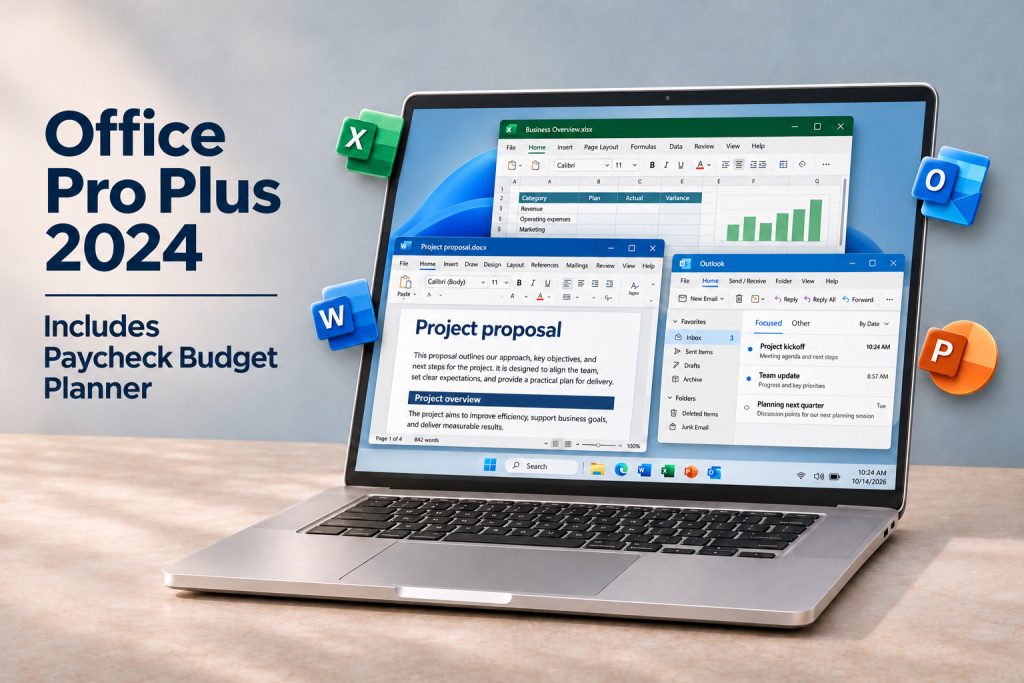
Included with your purchase
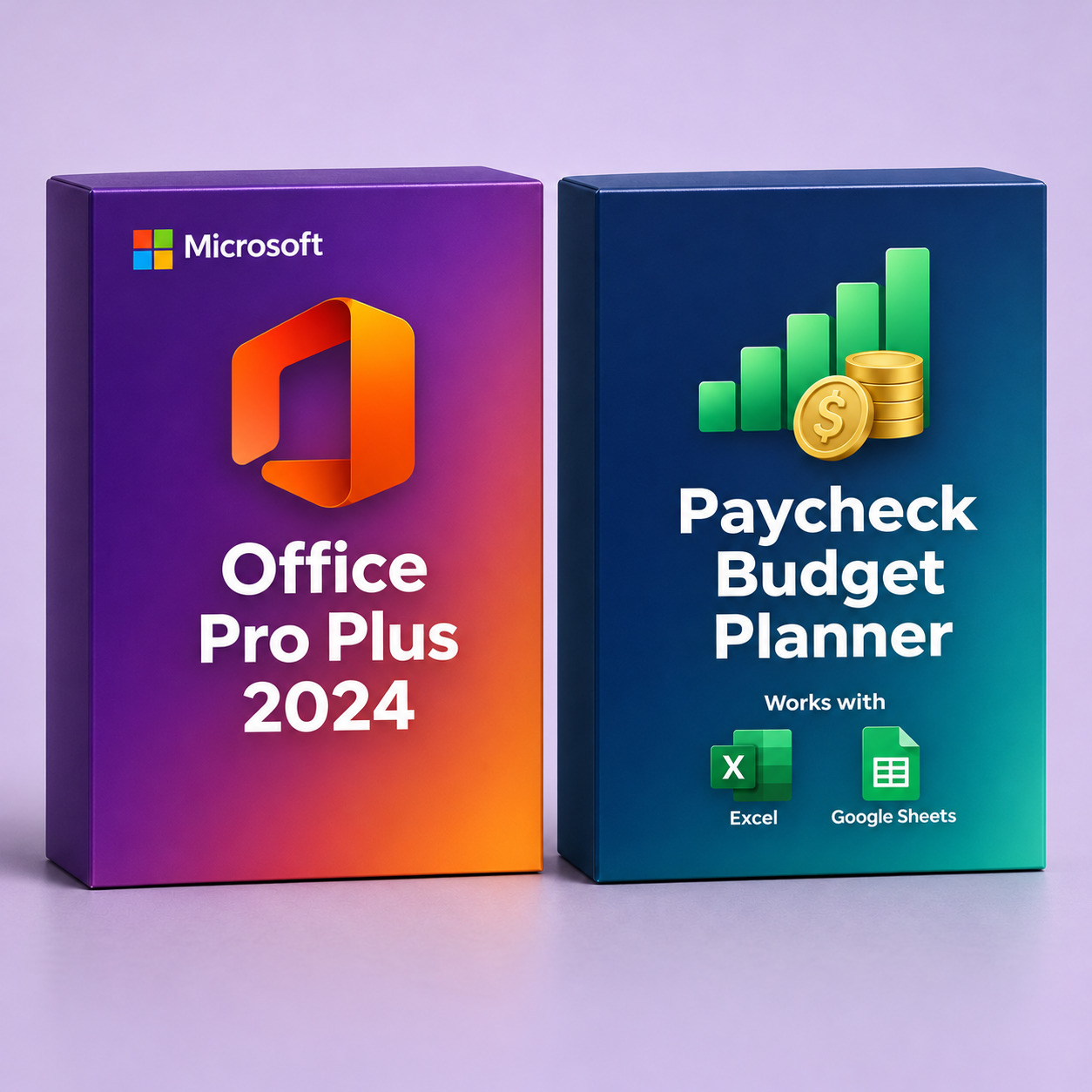
Personal & Paycheck Budget Planner
Turn Excel into your personal budgeting workspace. Organize everyday
spending, plan bills around your next paycheck, and track progress
toward your savings goals.
Plan until payday
See what is left in checking after reserving upcoming bills,
everyday essentials and planned savings.
Understand your spending
Compare your monthly budget with actual expenses and see
how much remains in each category.
Work toward your goals
Set savings contribution targets for emergencies,
a vacation or holiday gifts.
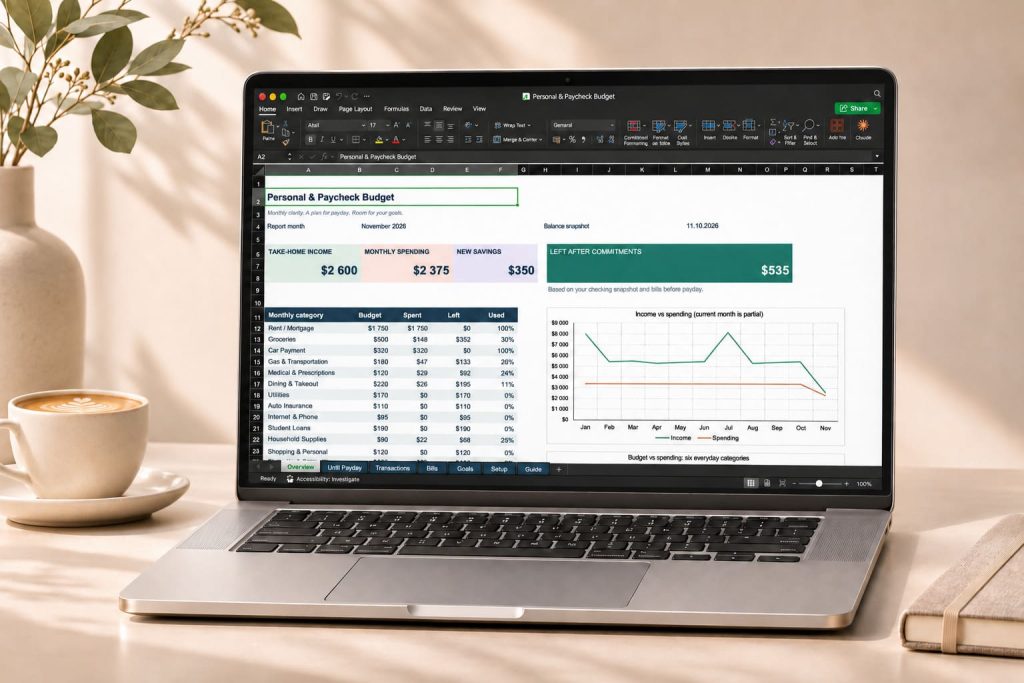
Your monthly budget, clearly organized
Get a clear view of take-home income, monthly spending and new savings.
The Overview combines category budgets with charts showing income
versus spending and planned versus actual expenses.
Start with familiar categories such as rent or mortgage, groceries,
gas, car payments, student loans, subscriptions and pets.
Adjust the categories and budgets to fit your household.
Keep everyday purchases in one place
Record the date, merchant, category, payment account and amount.
Add receipt references, links and notes when useful.
Mixed purchases can be split across categories using the same Receipt ID.
- Split a receipt: separate groceries and household
supplies from the same shopping trip without entering the total twice. - Handle credit cards correctly: record purchases
as expenses and repayments as transfers to avoid counting them twice. - Organize bills: track due dates, amounts,
autopay and paid or pending status. - Review your entries: prompts flag missing information
and certain category or account mismatches.
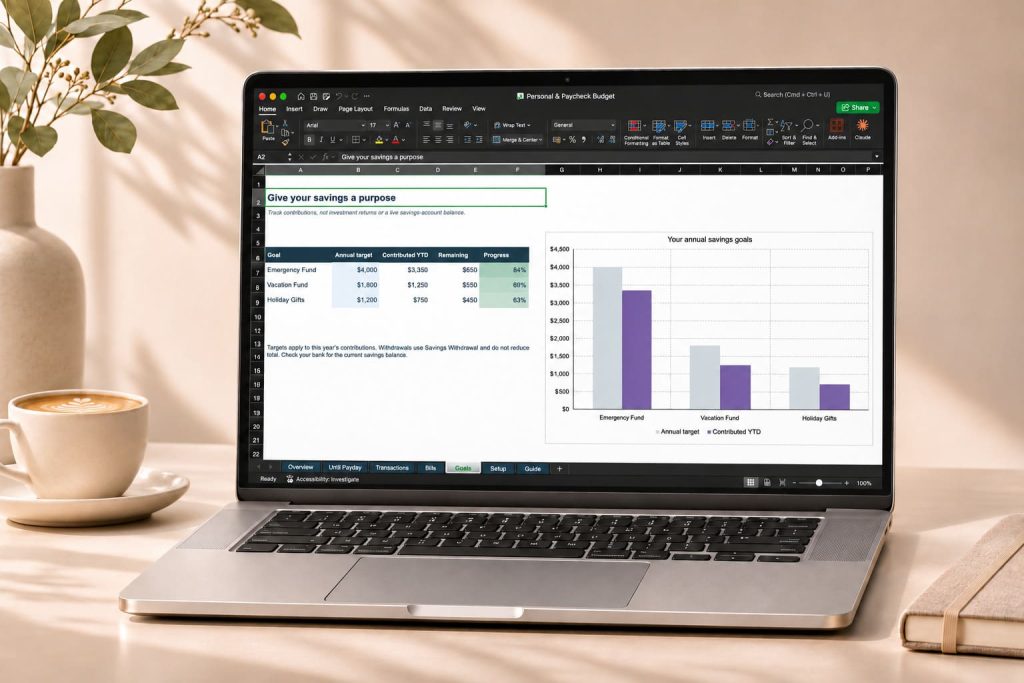
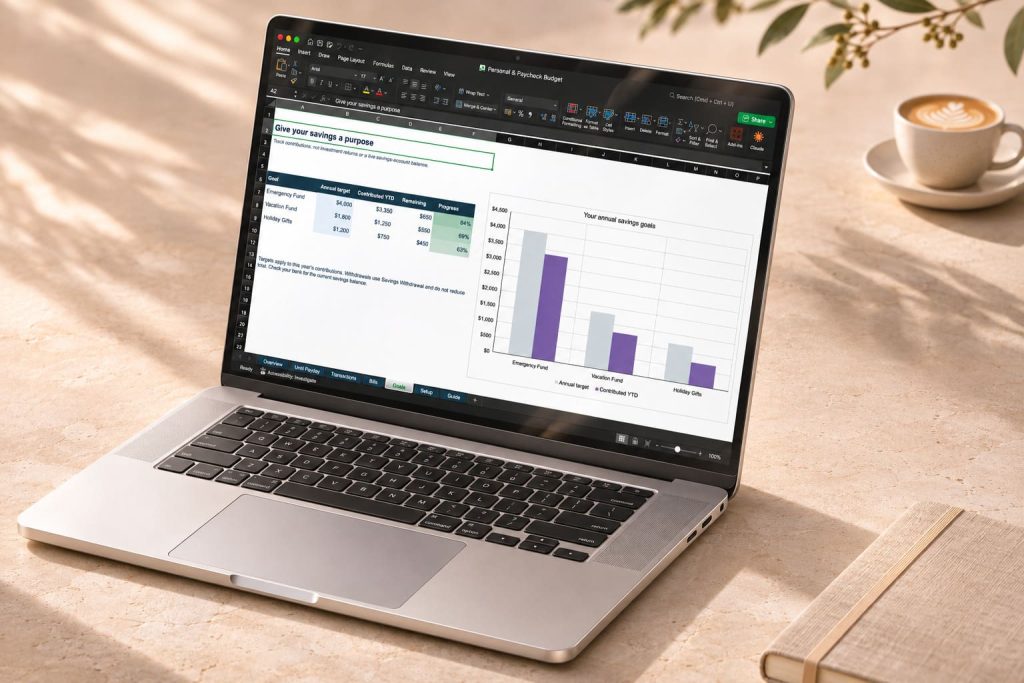
Give your savings a purpose
Set annual contribution targets and track transfers toward your
Emergency Fund, Vacation Fund and Holiday Gifts.
See contributions to date, the remaining target and your progress
percentage alongside a clear comparison chart.
Two workbooks to help you get started
- A filled example: explore the layout, charts
and sample transactions before entering your own information. - A clean workbook: start fresh with your balances,
budgets, bills and savings targets. - An English-language guide: follow setup
instructions and practical examples inside the workbook.
Make it yours in four steps
- Open the clean workbook in Excel.
Start with the Guide tab. - Complete Setup.
Choose your month, enter your next payday and available checking
balance, and set your category budgets. - Add bills and transactions.
Choose categories and keep payment statuses up to date. - Review your progress.
Linked formulas and charts update as you enter your information.
Manual tracking: this Excel workbook does not connect
to your bank or scan receipts. The until-payday calculation uses
the available checking balance you enter, pending bills and
planned reserves.
Workbook details: English-language XLSX files with
USD formatting, 1,000 transaction lines and 100 bill rows.
Savings goals track contributions, not live account balances.
Images show illustrative data. The planner is a separate
spreadsheet template, not a Microsoft application.