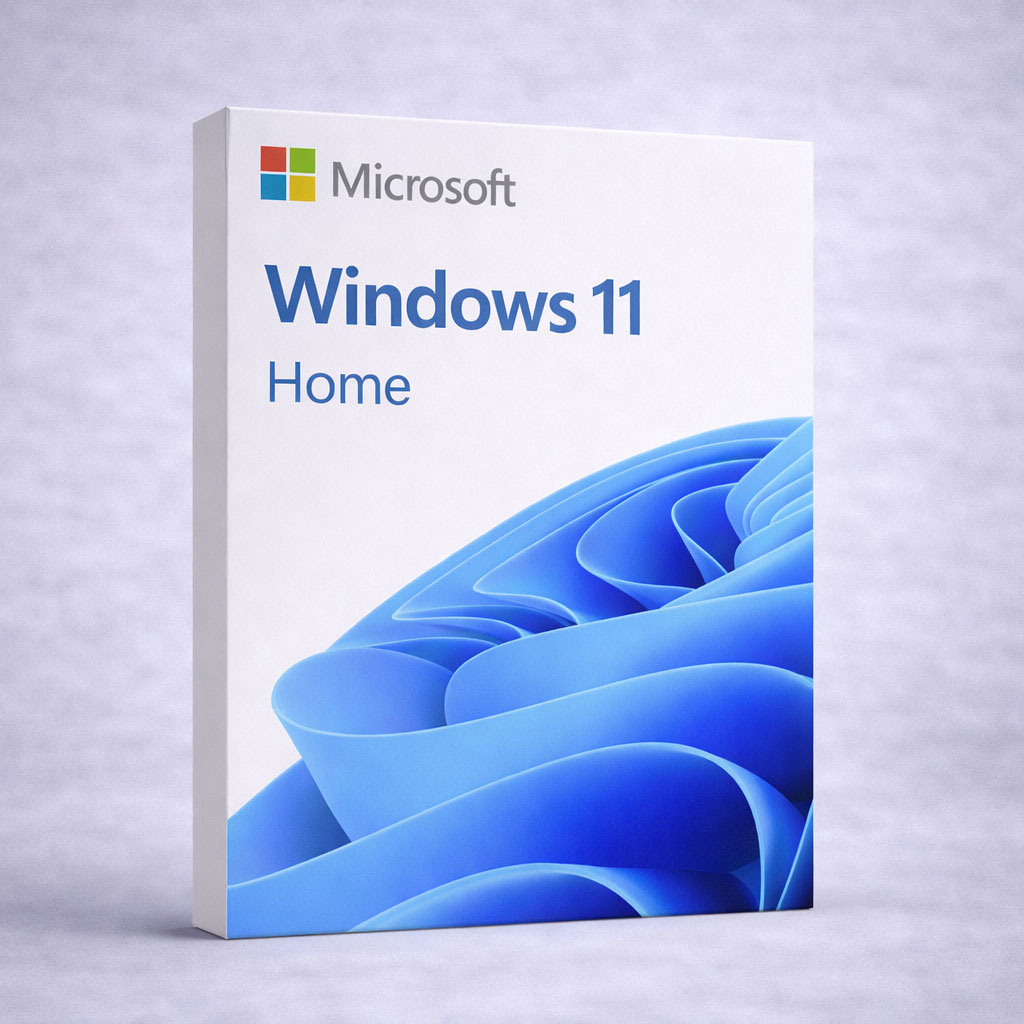
Windows 11 Home — Lifetime License Key (1 PC)
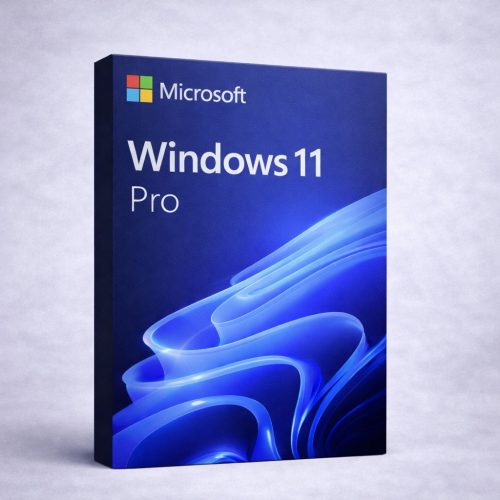
Need business features like BitLocker, Remote Desktop or domain join? Get Windows 11 Pro here.
Check Before You Buy
- Lifetime license for 1 PC — one-time purchase, not a subscription.
- Hardware: Windows 11 requires TPM 2.0 and Secure Boot. Check your PC is compatible before buying.
- Not for macOS or Chromebook. Works worldwide, any Windows language.
Who Is Windows 11 Home For?
- Home and personal users who want the latest Windows.
- Students and families who need a genuine, permanent license.
- New PC builds that need a Windows license.
- Windows 10 users moving to a modern, supported OS.
What This Is NOT
- Not a subscription — no monthly or yearly fees.
- Not for macOS or Chromebook.
- Not the Pro edition — no BitLocker, Remote Desktop host, domain join or Group Policy (see Pro link above).
How It Works
- Purchase — complete checkout for Windows 11 Home.
- Instant delivery — receive your product key immediately after payment.
- Activate — enter your key in Settings → System → Activation → Change product key.
- Use forever — once activated, Windows stays activated, no subscription.
What’s New in Windows 11
- Refreshed design — centered Start, clean modern interface.
- Snap layouts — organize windows quickly for easy multitasking.
- Widgets — at-a-glance weather, calendar, news and more.
- Microsoft Teams chat built in.
- Stronger security — Secure Boot and TPM 2.0 foundation.
System Requirements
- CPU: 1 GHz+, 2+ cores, 64-bit compatible
- RAM: 4 GB+ · Storage: 64 GB+
- UEFI / Secure Boot: required · TPM: TPM 2.0
- Graphics: DirectX 12 / WDDM 2.0 · Display: 9″+ at 720p
- Internet: required for activation and updates
Windows 11 Home: Frequently Asked Questions
Pricing & Legitimacy
Is the price final? Is sales tax included?
Yes — the price shown is final and includes all taxes.
How can you sell software at such a low price?
We buy in volume from our supplier and pass the savings to customers.
Is your software legitimate? Does it expire?
It’s a genuine lifetime key that does not expire, covered by our money-back guarantee, and works worldwide.
Activation & Compatibility
How do I activate?
Go to Settings → System → Activation → Change product key and enter your key.
My PC says it’s not compatible with Windows 11.
Windows 11 requires TPM 2.0 and Secure Boot. Check these are enabled in your BIOS/UEFI. If you’re unsure, contact our support team before buying.
Can I upgrade to Pro later?
Yes — buy a Windows 11 Pro key and upgrade the edition in Settings.
Delivery, Reinstall & Support
When will I receive my order?
Instantly after payment — your key appears on the confirmation page and by email. Digital key only, no DVD/USB.
Can I reinstall Windows later?
Yes. You can reinstall on the same PC and reactivate.
What if something goes wrong?
Contact our support team first — we resolve most issues quickly, with fast refunds or replacements if needed. Please reach out before opening a dispute.
Get Windows 11 Home — modern, secure, yours forever
The latest Windows with a refreshed design and stronger security. Lifetime license, genuine activation, instant delivery and real human support.