What this is
Office is the most widely used software in the world and one of the least well understood. Most people acquire it, use about a fifth of it, and spend years doing by hand the four fifths it would have done for them. That is not a failure of intelligence. It is a failure of instruction: the help built into the applications answers the question you already knew how to ask, and answers nothing else.
This guide is the other thing. It assumes you have a license and want it working in the next ten minutes, and that afterwards you would like to be materially better at the four applications you spend your working life inside. It moves in that order and it does not pad.
Not sure yet? Download two full chapters free: Chapter 4, installation and activation with all twelve error codes, and Chapter 8, the chapter on styles that the rest of the Word section depends on. Eighteen pages, nothing held back inside them.
What makes it different
- Every illustration is original. There are no screenshots of Microsoft software anywhere in this book. All thirty-two diagrams were drawn for it, so each one shows the idea rather than one particular build of one particular window on somebody else’s monitor.
- It says what the product does not do. Where a feature is absent, or a subscription does something better, that is what is written. A guide that only ever agrees with the product it describes is a guide nobody can use to make a decision.
- It was written against real questions. The material was chosen from what our support desk is actually asked. The troubleshooting sections exist because those particular problems arrive by email every week.
- It does not expire. Office LTSC 2024 will look the same in 2029 as it does today, so what you learn here does not go stale in eighteen months.
What is inside
| Part I The Foundation 5 chapters |
What a perpetual license actually is, how LTSC differs from Microsoft 365 and from retail Office, what is in each edition, installing and activating step by step, twelve activation error codes with what to do about each, and the interface all six applications share. |
| Part II Word 8 chapters |
Styles and templates, long documents, section breaks and page numbering that behaves, tables, images and page layout, mail merge, track changes and the one display setting that has embarrassed a great many people, and working faster. |
| Part III Excel 7 chapters |
How to lay data out so Excel can work on it, formulas and references that survive being copied, the functions that matter, conditional formatting, tables and filters, dynamic arrays and PivotTables, charts, what-if analysis and protection. |
| Part IV PowerPoint 5 chapters |
The Slide Master and why most decks cannot be restyled, building slides that support a speaker instead of replacing one, images and charts, animation used sparingly, and delivering: notes, rehearsal, Presenter View, handouts and exports. |
| Part V Outlook 5 chapters |
The two different applications now called Outlook and how to tell them apart, where your mail is physically stored and what that means when a laptop dies, rules and search, calendar and delegates, and an inbox system rather than a coping strategy. |
Plus a closing chapter, an index of 174 entries and a full table of contents. The PDF is bookmarked, searchable and selectable, so it works as a reference and not only as a read.
Three companion files, included
- A Word template. Heading styles, automatic 1, 1.1 and 1.1.1 numbering, a contents field, a title page in its own section, and the Quote, Caption and Subtitle styles defined. The template Chapter 8 tells you to build, already built.
- A PowerPoint template. The Slide Master set up with theme fonts and colors, and seven named layouts: Title, Section, Content, Two Columns, Full Image, Big Number and Closing.
- A formula workbook. Nine sheets of live examples from Chapters 14 to 19: references, order of evaluation, XLOOKUP against VLOOKUP, dynamic arrays, conditional sums, twelve recipes, number formats and conditional formatting. Click any result and read the formula bar.
All three are macro-free, so nothing asks you to enable content.
Specification
| Format | PDF, bookmarked, searchable, selectable text |
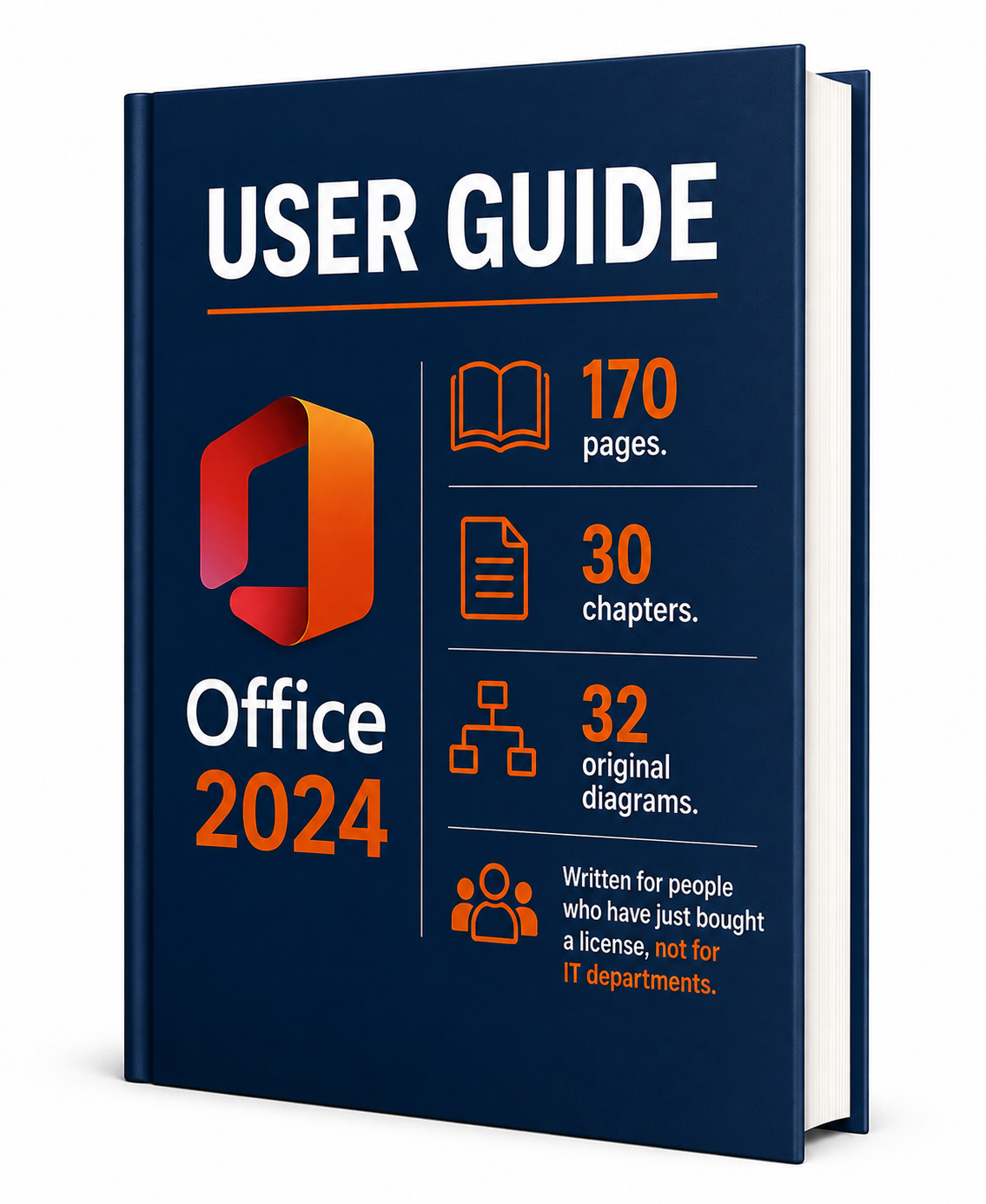
| Length | 170 pages, about 60,000 words |
| Illustrations | 32 original diagrams. No Microsoft screenshots |
| Index | 174 entries with 45 subentries |
| Covers | Office LTSC 2024, both Standard and Professional Plus, on Windows |
| Language | English |
| Companion files | .dotx, .potx and .xlsx, macro-free |
| Delivery | Download link by email immediately after checkout |
| Edition | 2026, first edition |
Who it is for
- Anybody who has just bought an Office 2024 license and wants it activated without a support ticket.
- People who write reports, proposals and contracts in Word and lose an hour a week to formatting.
- People who keep data in Excel and suspect their spreadsheets are held together with hope.
- Anybody who has to stand up and present, and knows the slides are the weakest part of it.
- Anybody whose inbox has stopped being a tool.
It assumes no prior expertise and it does not simplify to compensate. Where a subject is genuinely intricate, the guide slows down rather than skipping.
Questions
Is this from Microsoft?
No. It is an independent educational publication by DigitalKeysBox. It is not produced, authorized, sponsored or endorsed by Microsoft Corporation, and Microsoft, Office, Word, Excel, PowerPoint and Outlook are their trademarks.
Does it include a license or a product key?
No. This listing is the guide on its own. If you bought an Office 2024 license from us, the guide is already included with it and you do not need to buy this.
Will it work for Microsoft 365 or an older Office?
Most of it will. The book describes Office LTSC 2024, and where a feature exists only in a subscription that is stated explicitly. Chapters 1 and 2 explain the differences in detail.
Is it a printed book?
Not at present. This is a digital edition, delivered as a PDF.
Can I print it?
Yes. Printing is enabled and the layout is built for A4.
What if the download does not work?
Write to support@digitalkeysbox.com and we will send it to you directly.
Each copy is prepared for the buyer and carries their order details. It is supplied for personal use and may not be resold, redistributed or included in another product. Microsoft, Windows, Office, Word, Excel, PowerPoint, Outlook, OneNote and Access are trademarks or registered trademarks of Microsoft Corporation in the United States and other countries. This publication is independent and is not affiliated with Microsoft Corporation.